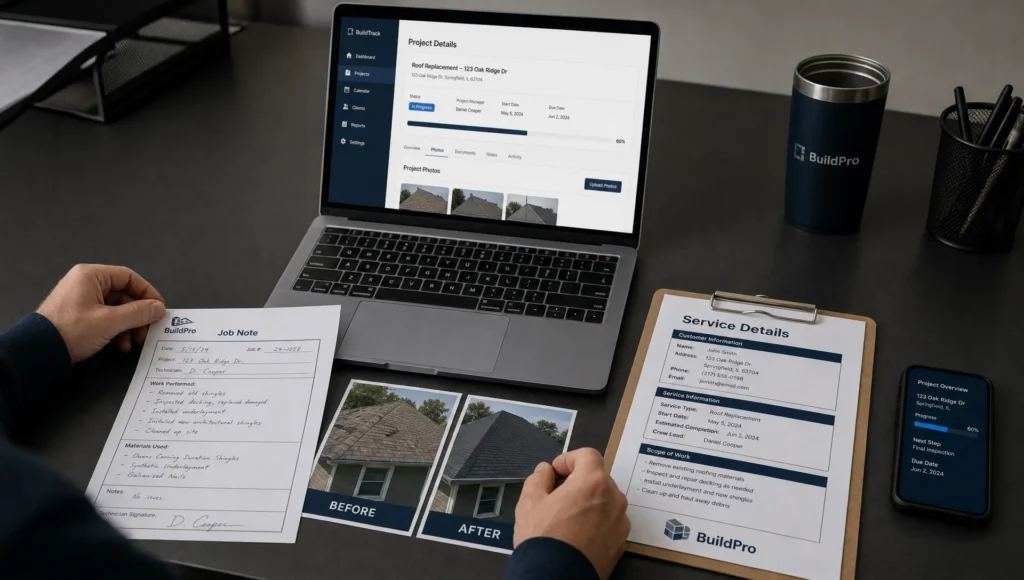
A finished job can do more than fill your photo gallery. Well-built before-and-after pages show nearby customers that you understand their problem, have handled similar work and offer a clear way to request help. For a contractor, cleaning company or property service business, that proof can support a quote request more effectively than another paragraph claiming “quality service.”
The goal is not a dramatic transformation photo alone. It is a short, credible project story that connects the customer’s problem to your work, your service area and the next step.
What a project page needs to prove
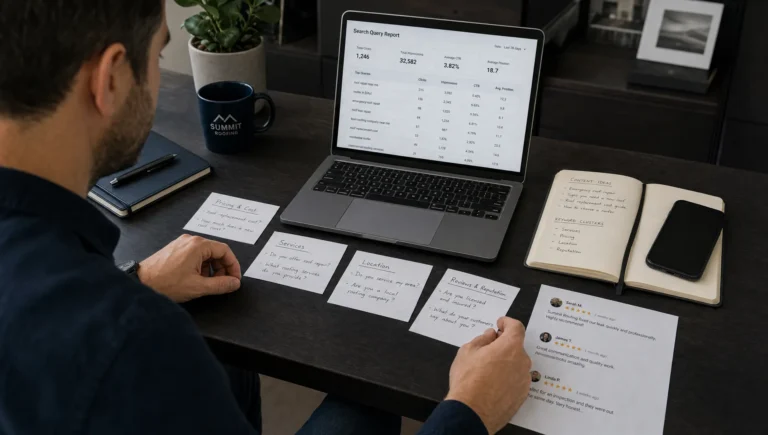
Someone considering your business usually wants three answers: Have you handled a problem like mine? Do you work near me? How do I contact you?
A photo gallery answers only part of the first question. A useful project page adds the starting condition, the work completed and the outcome. It also explains what the visitor can request without making them search through your website.
For example, a homeowner looking at a damaged fence needs more than a polished replacement photo. They may want to know whether you replaced the entire fence or repaired one section, whether the work involved an existing property and which neighborhood you served.
Lead generation comes from relevant proof and an easy next step, not from making the page look expensive.
Choose projects your next customer will recognize
Start with jobs that reflect the work you want more of. A cleaning company seeking rental turnover jobs should prioritize those projects rather than fill its website with unrelated cleaning photos.
Good candidates have a recognizable problem, a documented scope and a result you can explain honestly. You do not need an unusually large project. An everyday job can be persuasive when it matches a common local need.
Before creating before-and-after pages, collect the facts while the job is still fresh:
- The service performed and general location
- The original condition and customer’s request
- The work completed, including any meaningful limitations
- Comparable photos and permission to publish them
- A verified outcome or approved customer comment, if available
Get permission before publishing identifiable customer property or quoting feedback. Remove house numbers, faces, license plates and other identifying details when they are unnecessary. A neighborhood name is usually enough to establish local relevance without exposing an exact address.
Build before-and-after pages around six buyer questions
Keep the structure consistent so your team can publish useful examples without reinventing the layout each time.
| Buyer’s question |
What the page should contain |
| Is this relevant to my problem? |
A specific service-and-location headline |
| What was wrong initially? |
A brief description of the starting condition |
| What did you actually do? |
A plain-language explanation of the completed work |
| What changed? |
Comparable photos and a factual outcome |
| Can you help at my location? |
The project neighborhood and accurate service-area information |
| What should I do next? |
A visible call button or relevant quote request |
Put the service, location and first contact option near the top. Visitors should not have to reach the bottom of a long gallery to understand what you offer.
A title such as “Rental Turnover Cleaning in Bay Ridge” is more useful than “Another Amazing Transformation,” provided that it describes a real project. Add a short introduction explaining the job, then show the evidence.
These pages should support your main service pages, not replace them. If the rest of your site makes it difficult to find services or contact details, the contractor website checklist for winning local leads can help you check that foundation.
Write a short job story, not a sales pitch
Describe what happened in language a customer would use. “Removed built-up residue from the kitchen cabinets” is clearer than “Delivered a comprehensive surface revitalization solution.”
Use this fill-in structure as a drafting aid, not as a finished testimonial:
The customer needed [service] at a property in [neighborhood]. Before the work, [documented condition] was the main concern. We completed [actual scope]. The finished photos show [visible result].
Add a constraint when it helps set expectations. Perhaps the customer requested work in only one room or chose to keep an existing fixture. Those details explain the result and prevent readers from assuming that every project includes the same scope.
Avoid claims such as “permanent fix,” “like new” or “increased property value” unless you have evidence appropriate to that claim. A photograph can show appearance. It cannot, by itself, prove long-term performance or financial value.
Make the photo comparison trustworthy and easy to use
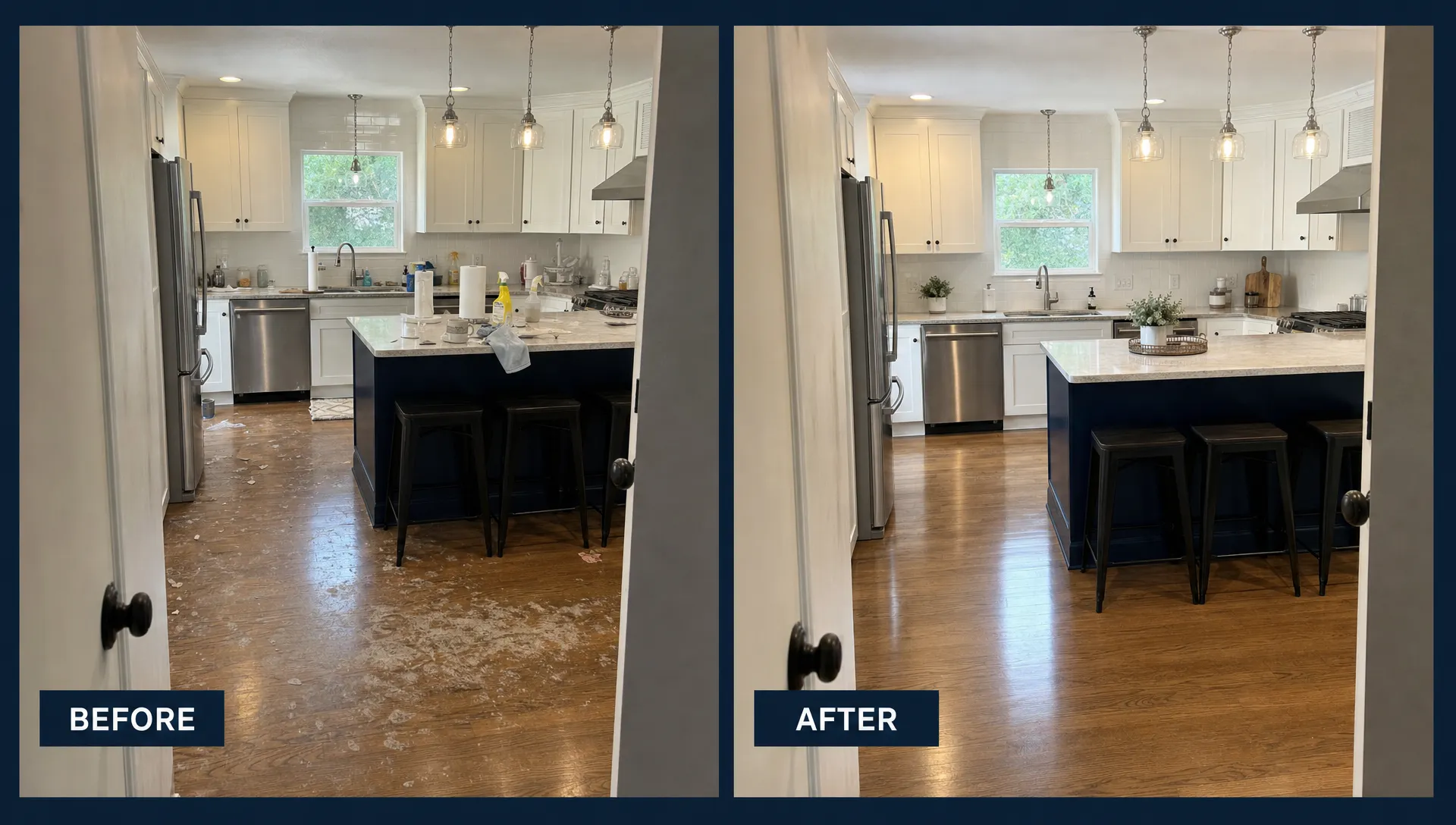
Take the before and after photos from roughly the same position, with similar framing and lighting where practical. If the angles differ significantly, label what each image shows rather than suggesting a direct comparison.
Do not exaggerate the contrast by darkening the original image or digitally removing defects from the finished photo. Real project evidence is the reason these pages work.
Use visible “Before” and “After” labels with short captions. For example, a caption might explain that the first photo shows surface buildup and the second shows the area after cleaning. Describe only what the image and job record support.
On mobile, stacked images often make the comparison easier to understand than a cramped side-by-side layout. If you use a slider, make sure it works with keyboard controls and touch input. Visitors should still be able to understand the result without operating it.
Compress images for faster loading and write descriptive alt text for meaningful photos. Before-and-after pages lose value when oversized images delay the contact button or make the page difficult to browse on a phone.
Connect the work to your local service area
Mention the real project neighborhood or city naturally in the title, introduction and relevant caption. Do not repeat location names in every paragraph.
Link the project to the appropriate service page within the story. A fence repair example should help someone reach your fence repair information, not send them to an unrelated page. Your service page can also link back to selected project examples as evidence.
A completed project shows where you have worked, but it does not define your entire coverage area. State where you currently accept jobs separately and keep that information consistent with your Google Business Profile and other business listings.
Do not create dozens of near-identical pages by replacing one neighborhood name with another. Google’s guidance on doorway abuse addresses pages created to target similar searches without providing distinct value.
Publish a separate page when the project has something useful to show or explain. Combine thin examples into a stronger service-specific gallery when they do not justify individual pages. Neither approach guarantees Google Maps placement, but genuine local evidence gives visitors a better basis for choosing you.
Give the visitor one obvious next step
Match the call to action to the work shown. “Request a Quote for Your Fence Repair” gives a visitor more direction than “Learn More.” For a cleaning project, “Ask About Turnover Cleaning” connects the example to an actual service request.
Place the primary action near the opening summary and repeat it after the project evidence. You can offer a phone number and a form, but make the preferred action visually clear.
A short inquiry form can ask for the customer’s name, contact details, job location and a brief description of the problem. Ask for more information only when it helps you assess or route the inquiry. If visitors can upload photos, explain what would be useful and make the upload optional where practical.
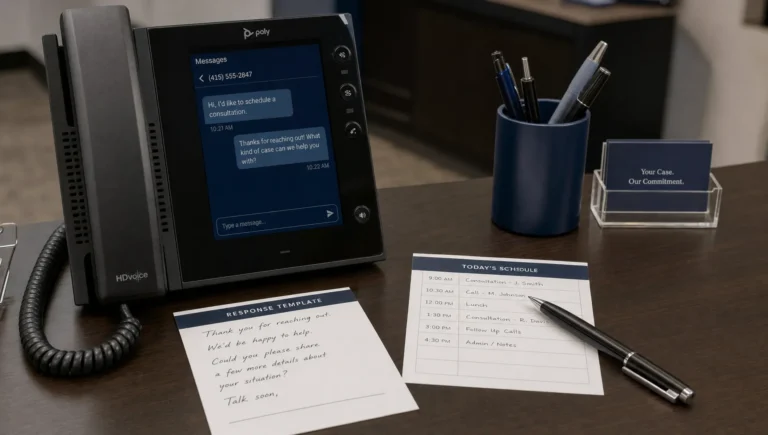
Check the complete process on your own phone. The call button should work, the form should submit successfully and the confirmation message should explain what happens next. Our guide to getting more leads from your business phone number covers the contact and follow-up details that can otherwise waste an interested visitor.
Use AI to organize the evidence, not invent it
AI can turn rough job notes into a first draft, suggest clearer headings or identify missing details. Give it verified facts and instructions not to add claims. A useful prompt is: “Draft a short project summary using only these notes. Flag missing information instead of guessing.”
Review every output against the job record. Check the service scope, location, result and any customer quote. Never use generated transformation images as evidence of completed work or let AI invent a testimonial.
If several employees will help produce before-and-after pages, train them on the same fact-checking and privacy process. For French-speaking teams, this workplace AI training for employees and business leaders offers an example of training organized around team-specific use cases and documents, rather than generic prompts.
Remove sensitive customer information before using an AI tool and check its data-handling settings. The practical benefit is less drafting time, not permission to publish unverified content.
Track inquiries and booked work, not just page views
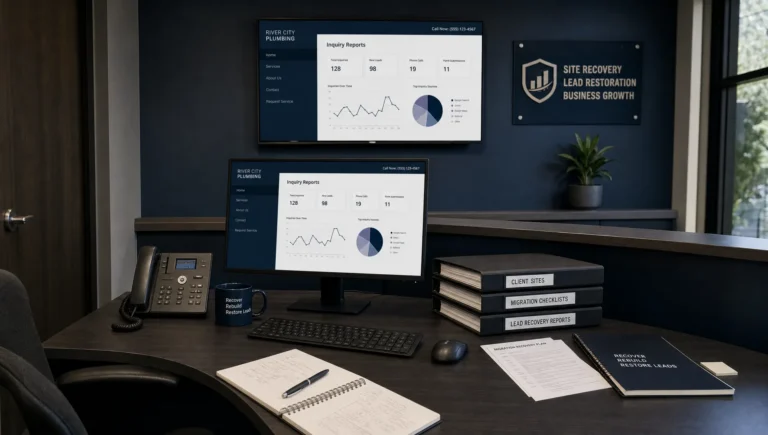
Set up measurement before promoting the page. Track contact-button clicks and successful form submissions, then connect inquiries to booked work through your normal lead records.
A phone-button click does not prove that a call connected. A form submission does not automatically mean the inquiry fits your business. Separate those stages so you can see whether the page attracts the right customers.
For each project page, review relevant visits, contact actions, qualified inquiries and resulting jobs. When possible, record which page brought the lead in or ask the customer what they saw on your website.
If visitors arrive but do not inquire, check whether the project matches their needs and whether the contact action is easy to find. If inquiries are outside your service area, make coverage clearer. The guide to what to track before spending more on local SEO explains how to keep that evaluation focused on business outcomes.
Frequently asked questions
How many projects should I publish first? Start with a few well-documented jobs that represent your main services. Three useful examples are better than twenty unexplained photo pairs. Add more when they show a different problem, scope or relevant location.
Do before-and-after pages replace service pages? No. Service pages explain what you offer, where you work and how to request it. Project pages provide evidence that supports those claims. Link them together where the connection helps the visitor.
What if the result is not visually dramatic? Explain the verified work and outcome instead of forcing a transformation. For services such as HVAC maintenance, a project story may be more useful than a photo comparison. Avoid implying that appearance proves safety or performance.
Can I use a project without showing the customer’s address? Yes. A general neighborhood or city can establish local relevance. Obtain appropriate publication permission and remove identifying details that do not help explain the work.
Turn completed work into a clearer reason to call
Choose one representative job, collect the facts and build a page around the customer’s problem, the evidence and a clear contact action. Then test it on mobile and track the inquiries it generates.
Sleek Web Designs helps service businesses improve website clarity, mobile usability and local SEO with a focus on leads. If your completed work is strong but your website is not turning it into inquiries, ask about website optimization and project-page improvements, with no long-term contracts.