Most contractor websites don’t have a “traffic problem.” They have a lead problem.
You can be ranking, getting visits, even showing up on Google Maps, and still not get calls because the site makes it hard for a real customer to take the next step.
This contractor website checklist is built for one outcome: more local leads (calls, quote requests, and booked jobs), not prettier pages.
What a contractor website needs to do (in plain English)
A homeowner lands on your site from Google, Maps, Yelp, or a referral text. In under 10 seconds they should be able to:
- Confirm you do the job they need
- Confirm you serve their area
- Trust you enough to reach out
- Tap once to call or request a quote
If any of those are unclear, you lose the lead to the next contractor.
Contractor website checklist (built to win local leads)
Use this as a true checklist. If you’re missing items, that’s your roadmap.
1) Above-the-fold must convert (not “introduce”)
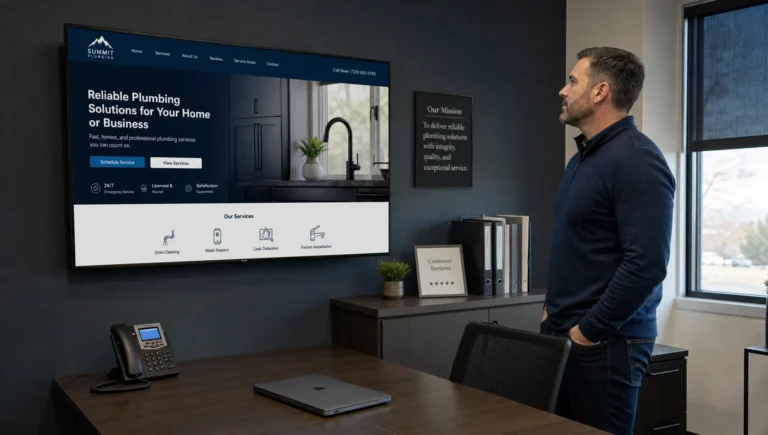
When someone opens your homepage (especially on mobile), these elements should be visible without scrolling:
- Clear service + location headline (example: “Roof Repair in Brooklyn”)
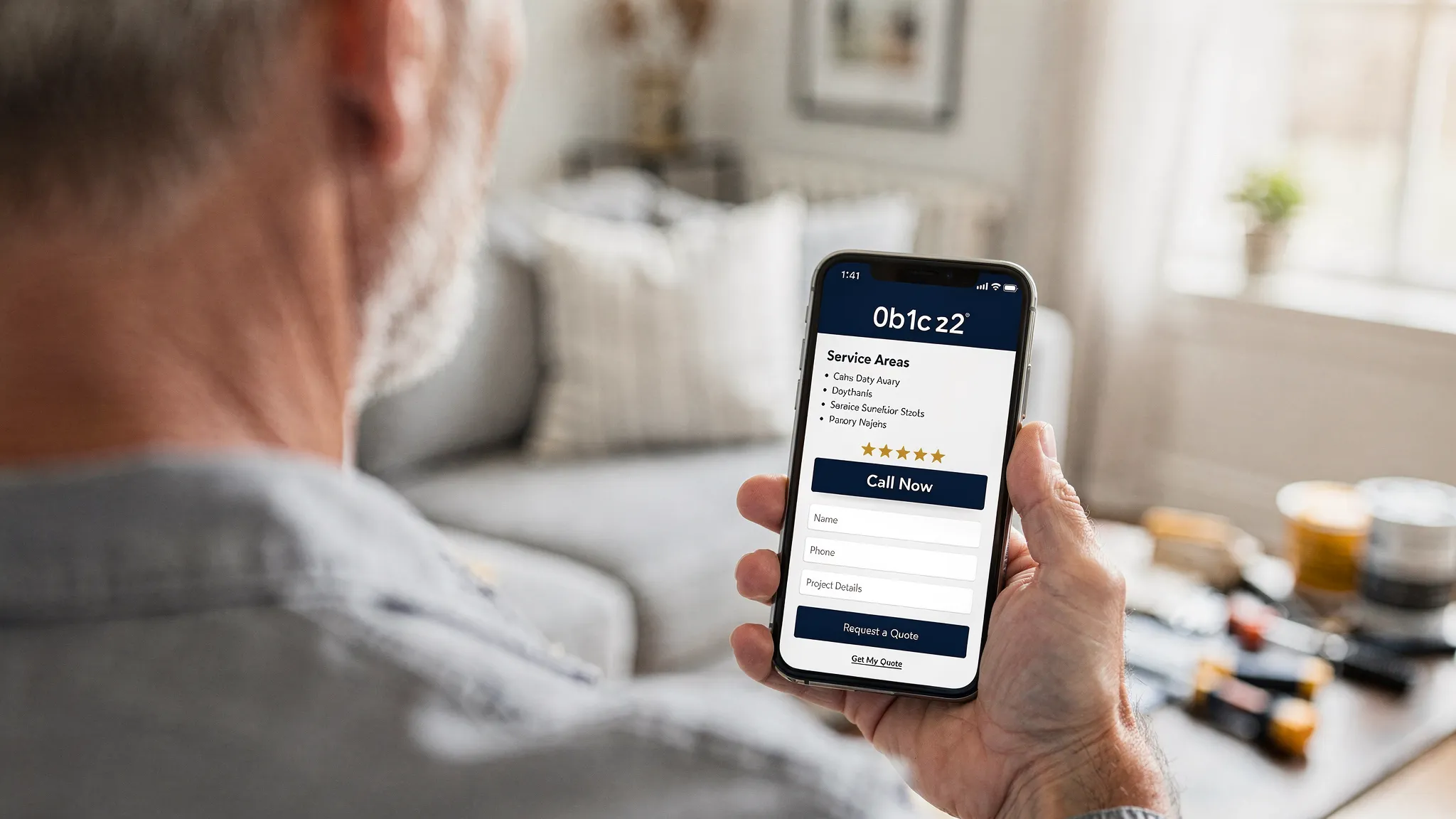
- Tap-to-call phone number (top right on desktop, sticky on mobile)
- Primary call-to-action button (Get a Quote, Schedule an Estimate)
- Trust proof (rating, years in business, license/insurance mention, or a short review snippet)
What to avoid:
- Big slider images with no message
- “Welcome to our website” type intros
- A hero section that pushes the phone number below the fold
2) Contact options that match how people actually book
Contractor leads come in fast and messy. Your site should give people choices.
Make sure you have:
- Click-to-call on every page
- Short quote form (name, phone, zip/city, service needed)
- Contact page that repeats your core info (don’t hide it)
- Optional text option (if you actually answer texts, otherwise skip it)
A strong quote form is short. Long forms reduce submissions.
3) Service pages that “pre-sell” the job (and rank locally)
If you only have one Services page with a list, you’re leaving leads on the table.
For local lead generation, you want one page per core service (the ones that make you money). Each service page should include:
- Who the service is for (homeowners, property managers, etc.)
- The problems you solve (symptoms people search)
- Your process (simple, 3 to 5 steps)
- Proof (photos, reviews, credentials)
- A clear call-to-action
- Your service area mention (naturally, not stuffed)
If you want a simple structure that works:
- Headline: Service + primary area
- Quick benefits block: 3 short bullets
- Common issues you fix: written like customers talk
- Your approach: how you quote, schedule, and complete work
- Proof: reviews + project photos
- CTA: book an estimate
4) Local signals that help you win Maps and “near me” searches
Google needs to understand three things: what you do, where you do it, and that you’re a real business.
On your website, make sure you have:
- Consistent NAP (name, address, phone) matching your Google Business Profile
- Service area clarity (cities/neighborhoods you serve)
- Embedded Google Map on the contact page (when appropriate)
- Local wording on key pages (not stuffed, just clear)
If your address is hidden on your site but visible on Google (or vice versa), you can create confusion and ranking issues.
If you want a deeper Maps-focused checklist, pair this with the agency’s Google Business Profile guide: Google Business Profile optimization checklist for more calls.
5) Proof that reduces “price shopping” and builds trust
Most contractor leads are comparing you to 2 or 3 others. Trust content is what stops the scroll and gets the call.
Add (or improve) these trust elements:
- Real project photos (before/after if possible)
- Reviews (pulled from Google, shown with context)
- License and insurance info (simple, not legal-heavy)
- Service guarantees (only if you actually honor them)
- Team or owner info (a short “who you’re hiring” section)
Good trust content is specific. “We’re reliable and professional” is not proof.
6) Site speed and mobile performance (because most leads are on phones)
If your site is slow, people bounce. If it’s clunky on mobile, they don’t call.
Minimum standards for contractors:
- Pages load fast on cellular
- Buttons are thumb-friendly
- Phone number is tappable
- Forms are easy to complete
- No intrusive popups blocking the screen
Google also uses performance signals as part of page experience. You can validate performance with tools like PageSpeed Insights.
If speed is a known issue, image sizing and compression is often the quickest win (and it improves SEO too). The agency has a dedicated guide here: Why image optimization is crucial for website performance.
7) Basic technical SEO so your pages can actually rank
This is the “unsexy” part that decides whether Google can crawl, understand, and trust your site.
Your contractor site should have:
- Indexable pages (not blocked by settings or accidental noindex)
- Clean navigation (services, areas served, about, contact)
- Unique title tags and meta descriptions on key pages
- Proper headings (one clear H1 per page)
- HTTPS (secure site)
- No broken links
If you want a broader breakdown of what gets fixed in a real technical campaign, this is a helpful overview: Technical SEO services to improve your website ranking.
8) On-page SEO that targets real contractor searches
This is where many sites get it backwards.
They write for themselves instead of for what people type into Google.
Check your content for:
- Service keywords that match intent (example: “water heater replacement” vs “plumbing solutions”)
- Plain-language explanations of the job
- Pricing context when appropriate (even ranges or factors that affect cost)
- Internal links between related services (example: “drain cleaning” linking to “sewer line repair”)
Keep it readable. The goal is rankings and conversions.
9) Conversion tracking (so you know what’s working)
If you can’t track leads, you end up guessing, and that leads to wasted money.
At minimum, set up:
- Google Analytics 4 for site behavior
- Google Search Console for search visibility and indexing
- Call tracking or call reporting (even basic)
- Form submission tracking
If you run local SEO, tracking is how you prove it is driving calls, not just impressions.
10) A follow-up system (because speed to lead wins)
This is not “website design,” but it’s directly tied to lead results.
If your website generates leads and nobody responds fast, you still lose.
Make sure you have:
- Confirmation message after form submit
- An internal process to respond quickly (even a simple alert)
- A way to capture missed calls and call back
Many service businesses see major lift simply by tightening response time.
Quick self-audit: the 2-minute table
Use this table to spot the biggest leaks fast.
| Checklist item |
Why it matters for local leads |
Quick test |
| Tap-to-call visible on mobile |
Mobile users want instant contact |
Open your homepage on your phone, can you call in 1 tap? |
| One page per core service |
Matches search intent and converts better |
Do you have dedicated pages for your top 3 to 8 services? |
| Service area is clear |
Filters out wrong leads and improves local relevance |
Is your city/neighborhood coverage obvious on key pages? |
| Reviews and project photos |
Builds trust fast |
Can a new visitor see proof in under 15 seconds? |
| Fast load speed |
Slow sites lose calls |
Test on cellular, does it load quickly without jumping around? |
| Tracking for calls and forms |
Proves ROI and guides next steps |
Can you answer “which page generated this lead?” |
Practical AI use (no hype): how to find issues faster
AI will not magically rank your website. What it can do well is speed up diagnosis so you fix the right things first.
Here are a few practical ways contractors use AI-assisted analysis:
- Rewrite service page sections for clarity: you provide the rough notes, AI helps tighten them so they are easier to read.
- Find missing trust content: ask it what proof elements a homeowner would want for a specific service.
- Spot confusing copy: paste your hero section and ask if it clearly says what you do, where you do it, and what to do next.
- Create a content outline for a service page: so you stop publishing thin pages that don’t rank.
The key is using AI to support your strategy, not replace it.
The most common contractor website mistakes (that cost leads)
These show up constantly in audits:
- The phone number is small, not clickable, or only on the contact page
- The site looks fine, but there is no clear call-to-action
- Only one generic Services page, no real service pages
- Photos are huge, pages load slow, mobile experience is clunky
- Google Business Profile and website details do not match
- No tracking, so decisions are based on guesswork
Fixing these is usually more profitable than redesigning everything.
If you want help: get a lead-focused website and local SEO audit
If you’re a contractor and your site is not producing consistent calls, the fastest path is usually:
- Find what’s broken (speed, structure, tracking, local relevance)
- Fix the high-impact issues first
- Build out service pages that match what people search
- Tie your website and Google Business Profile together for local visibility
Sleek Web Designs helps small service businesses turn websites into lead-generating systems through website optimization, local SEO, and AI-assisted analysis (practical, not gimmicky). There are no long-term contracts, so you are not locked in.
If that’s what you need, start here: Local SEO services or see how SEO and site structure work together in this guide: SEO and web design services that turn visits into leads.