If your service business depends on calls and quote requests, mobile SEO is not “nice to have.” It decides whether someone taps Call, fills out your form, or hits Back and chooses the next company.
Google also uses the mobile version of your site for indexing and ranking (mobile-first indexing), so a site that looks fine on desktop but messy on a phone can quietly lose visibility. Google’s own explanation is here: mobile-first indexing.
Below are 9 mobile SEO issues we fix all the time for local service businesses, plus the practical repairs that turn mobile traffic into leads.
What “mobile SEO” really means for service businesses
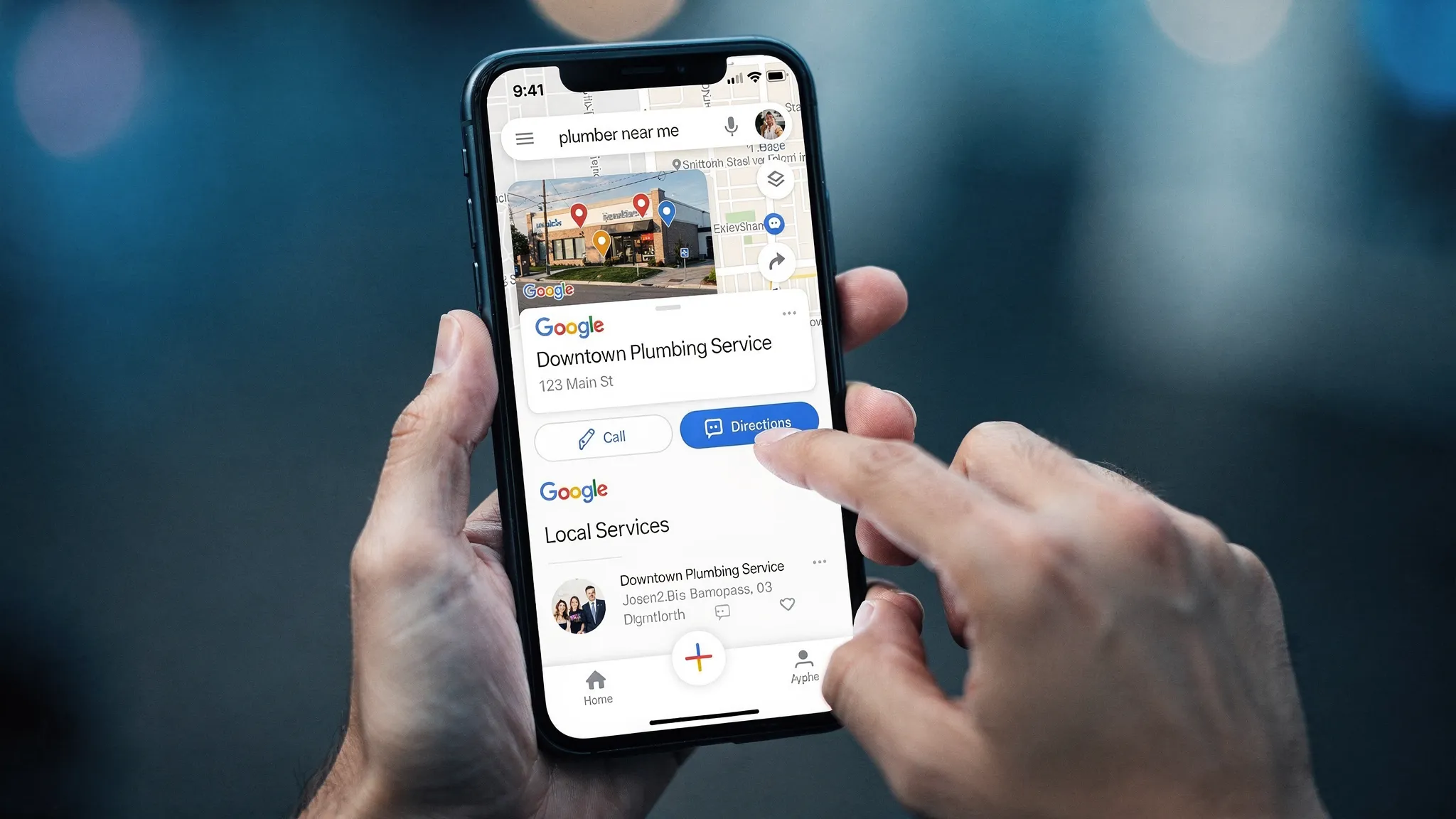
For a local service business, mobile SEO comes down to two things. First, showing up when someone searches on their phone (organic results, the map pack, branded searches). Second, making it easy for that person to call, request a quote, or book once they land on your page.
Rankings without action is just paying for attention you can’t convert.
A quick 10-minute mobile SEO check (before you start fixing things)
Do this once before you change anything. It helps you spot what’s actually broken.
- Run your homepage and top service page through PageSpeed Insights.
- In Google Search Console, check Core Web Vitals and Mobile Usability reports.
- Open your top service page on your phone, then try to complete one action: call, request a quote, or book.
If it feels annoying, slow, or confusing for you, it’s worse for a customer in a rush.
Issue 1: Your mobile page loads too slowly (and the first screen is heavy)
What it looks like: The page opens, but the hero section takes too long, buttons appear late, or the page “jumps” while loading.
Why it hurts leads: Mobile users are usually problem-aware and time-sensitive (plumbing leak, locked out, last-minute cleaning). Slow equals lost calls.
What to fix:
- Compress and resize your hero image (the first big image people see). Use modern formats like WebP when possible.
- Remove unused scripts and plugins that run on every page.
- Add caching and serve assets efficiently (your hosting and setup matter here).
When we’re diagnosing this, we use Core Web Vitals as a directional guide (not a religion). Google’s overview is here: Core Web Vitals.
Issue 2: Too much “stuff” blocks the main content on mobile
What it looks like: Popups cover the page, sticky bars stack on top of each other, cookie banners take half the screen, chat widgets hide the call button.
Why it hurts mobile SEO: Google has long discouraged intrusive interstitials that get in the way of content, especially on mobile. Even when it doesn’t cause a direct penalty, it kills conversions.
What to fix:
- Keep one primary sticky element, not three.
- Make sure popups are easy to close and don’t fire instantly.
- Put your main CTA (Call, Request a Quote) where it can actually be tapped.
If you need a reference point, Google’s guidance on intrusive interstitials is here: intrusive interstitials.
Issue 3: Tap targets are too small (buttons and links are hard to use)
What it looks like: Phone numbers aren’t clickable, menu links are cramped, form buttons are tiny, users mis-tap.
Why it hurts leads: A mobile visitor should be able to take action with one thumb. If they have to zoom or retry, they leave.
What to fix:
- Increase button height and spacing.
- Make phone numbers and email addresses tap-to-call and tap-to-email.
- Avoid putting multiple links right next to each other in headers.
This is one of those fixes that feels “design related,” but the outcome is simple: more calls.
Issue 4: Your contact options are buried (or missing) on mobile
What it looks like: No phone number visible above the fold, contact page is hidden in a hamburger menu, service pages don’t have a clear CTA.
Why it hurts mobile SEO: People bounce quickly, which sends a bad quality signal over time. But more importantly, you are wasting high-intent visits.
What to fix:
- Put a clear CTA above the fold on every money page.
- Add click-to-call in the header (or a sticky call button) and make sure it’s not blocked by other overlays.
- Add a short “next step” section at the end of each service page (call, request a quote, service area).
We go deeper on the first screen here: Above-the-Fold Fixes That Increase Form Submissions.
Issue 5: Your forms are not mobile-friendly (so people quit)
What it looks like: Too many fields, tiny input boxes, no autofill, confusing error messages.
Why it hurts leads: On mobile, every extra field is friction. You do not need a 12-field form to book a service call.
What to fix:
- Keep the first-step form short (name, phone, service needed, zip code or city).
- Use the right input types (phone keypad for phone numbers, email keypad for email).
- Make error messages clear and near the field.
A simple rule: if you wouldn’t fill it out while standing in a parking lot, don’t expect your customers to.
Issue 6: You aren’t tracking calls and form leads correctly on mobile
What it looks like: You get “some calls,” but you cannot tie them to pages, SEO work, or Google Business Profile. Or you changed the phone number and broke NAP consistency.
Why it hurts mobile SEO (and your decisions): If you can’t measure what’s producing leads, you end up guessing, then cutting the wrong things.
What to fix:
- Track form submissions as conversions.
- Track click-to-call events on mobile.
- If you use call tracking, implement it carefully so your business name, address, and phone (NAP) remain consistent where it matters.
This is also where AI can help in a practical way. For example, we’ll use AI to summarize call logs or form submissions into patterns like “most common service request,” “most common zip codes,” and “top conversion pages,” then turn that into targeted service page improvements.
Issue 7: Your service pages don’t match mobile search intent
What it looks like: A generic “Services” page, no dedicated pages for core services, vague copy, no pricing expectations, no service area clarity.
Why it hurts mobile SEO: On mobile, Google is trying to serve the fastest answer. If your page doesn’t clearly match the service query and location intent, you lose.
What to fix:
- Create focused pages for your top services.
- Put the service and location context up front (not stuffed, just clear).
- Add real trust signals (licenses, reviews, photos of work, service area).
If you want a good example of a service business website that’s clearly structured around getting quotes and booking, see how Zapt Movers presents its services and conversion paths.
Issue 8: Your mobile layout is causing layout shifts and interaction delays
What it looks like: The page shifts while loading, buttons move, you tap one thing and hit another, scrolling feels laggy.
Why it hurts leads: This is one of the most common “it feels sketchy” signals. Even if your business is legit, your site doesn’t feel reliable.
What to fix:
- Set image and video dimensions so the browser can reserve space.
- Avoid loading large elements above the fold after the fact.
- Reduce heavy scripts that delay interaction.
In Core Web Vitals terms, you’re looking at layout stability and responsiveness (CLS and INP). You don’t need to memorize the acronyms, just fix the experience.
Issue 9: Your mobile SEO is missing local proof signals
What it looks like: Your pages don’t mention service areas clearly, no embedded trust proof, no consistent business info, or no schema markup.
Why it matters: Ranking is only half the job. The other half is proving you’re the right local choice, and on mobile that proof has to show up fast, usually in the first screen.
What to fix:
- Make sure your name, phone, and service area are easy to find on mobile.
- Add reviews/testimonials on key pages (not only on a separate reviews page).
- Consider adding LocalBusiness or Service schema where appropriate.
If your Google Business Profile is your main lead source, this connects directly to your site. A strong GBP plus a weak mobile website is still a weak system. Our Google Business Profile Optimization Checklist for More Calls can help you tighten that connection.

The 9 issues, summarized (so you can prioritize)
Here’s a practical way to decide what to tackle first.
| Issue |
Most common symptom |
Quick fix |
Lead impact |
| Slow mobile load |
Hero takes forever, buttons appear late |
Compress media, remove bloat, cache |
High |
| Intrusive overlays |
Popups and sticky bars block content |
Reduce and delay overlays |
High |
| Small tap targets |
Mis-taps, hard-to-click menu |
Increase spacing and button sizes |
Medium-High |
| CTAs are buried |
No call button visible |
Add above-the-fold CTA, sticky call |
High |
| Bad mobile forms |
People abandon forms |
Shorten form, improve inputs |
High |
| No conversion tracking |
“We think SEO is working” |
Track calls and form submits |
Medium-High |
| Weak service intent match |
Generic pages, unclear service area |
Build focused service pages |
High |
| Layout shifts and lag |
Page jumps, feels unstable |
Reserve space, reduce heavy scripts |
Medium |
| Missing local proof |
No NAP, reviews, local trust |
Add trust signals and local info |
Medium-High |
Frequently Asked Questions
What is mobile SEO for service businesses? Making sure your site ranks and converts well on phones, so search traffic turns into calls and quote requests instead of bouncing.
Do I need a separate mobile site? No. Most businesses should use a responsive site that adapts to mobile screens. Separate mobile URLs often create more SEO and tracking problems than they solve.
What should I fix first, speed or content? Fix the biggest conversion blockers first (slow load, hidden phone number, broken forms). Then improve service-page clarity and local proof signals.
Does Google rank my website based on the mobile version? Yes. Under mobile-first indexing, Google evaluates the mobile version of your site when deciding how to rank it.
Can AI help with mobile SEO without making things complicated? Yes. AI is useful for summarizing Search Console issues, spotting patterns in lead data, and drafting clearer page copy, but the real gains still come from fixing the fundamentals.
Want help fixing mobile SEO without getting locked into a contract?
If you’re getting traffic but not enough calls, your mobile experience is usually the leak.
Sleek Web Designs helps service businesses turn mobile visits into calls and quote requests. That usually means some combination of website fixes, local SEO, and AI-assisted analysis of your traffic and lead data, depending on what’s actually broken. No long-term contracts.
If you want a clear, no-fluff plan, start here: Local SEO services or contact us through Sleek Web Designs.