Google Business Profile messaging can help turn local searches into booked work, but only if someone reliably handles replies. Older how-to guides need an important correction: Google discontinued its original built-in profile chat feature on July 31, 2024.
Some eligible profiles offer text messaging or WhatsApp contact options instead. Availability varies, so check what your business can actually enable before building a process around it.
The short answer: use messaging if customers want it and your team can respond consistently. Skip it if it will become another unattended inbox. Calls, appointment requests and a clear website contact form may serve your customers better.
What Changed With Google Business Profile Messaging?
Google retired its original Business Profile chat feature in 2024. Instructions telling you to activate that old inbox, manage conversations inside Google or follow its former response requirements are outdated.
That does not mean every messaging option has disappeared. Eligible businesses may see a supported Chat option that connects customers to text messaging or WhatsApp. These conversations use the connected channel rather than the discontinued Google chat inbox.
For a small business, that distinction matters. Before advertising messaging, confirm where incoming inquiries will arrive, who can access them and whether the contact option appears publicly.
Do not assume another company's setup is available to yours. Profile eligibility, regional availability and the options shown in your account can differ.
If you do not see a supported messaging option, keep your phone number and website link accurate. A working contact route is more useful than spending hours trying to enable a feature your profile does not offer.
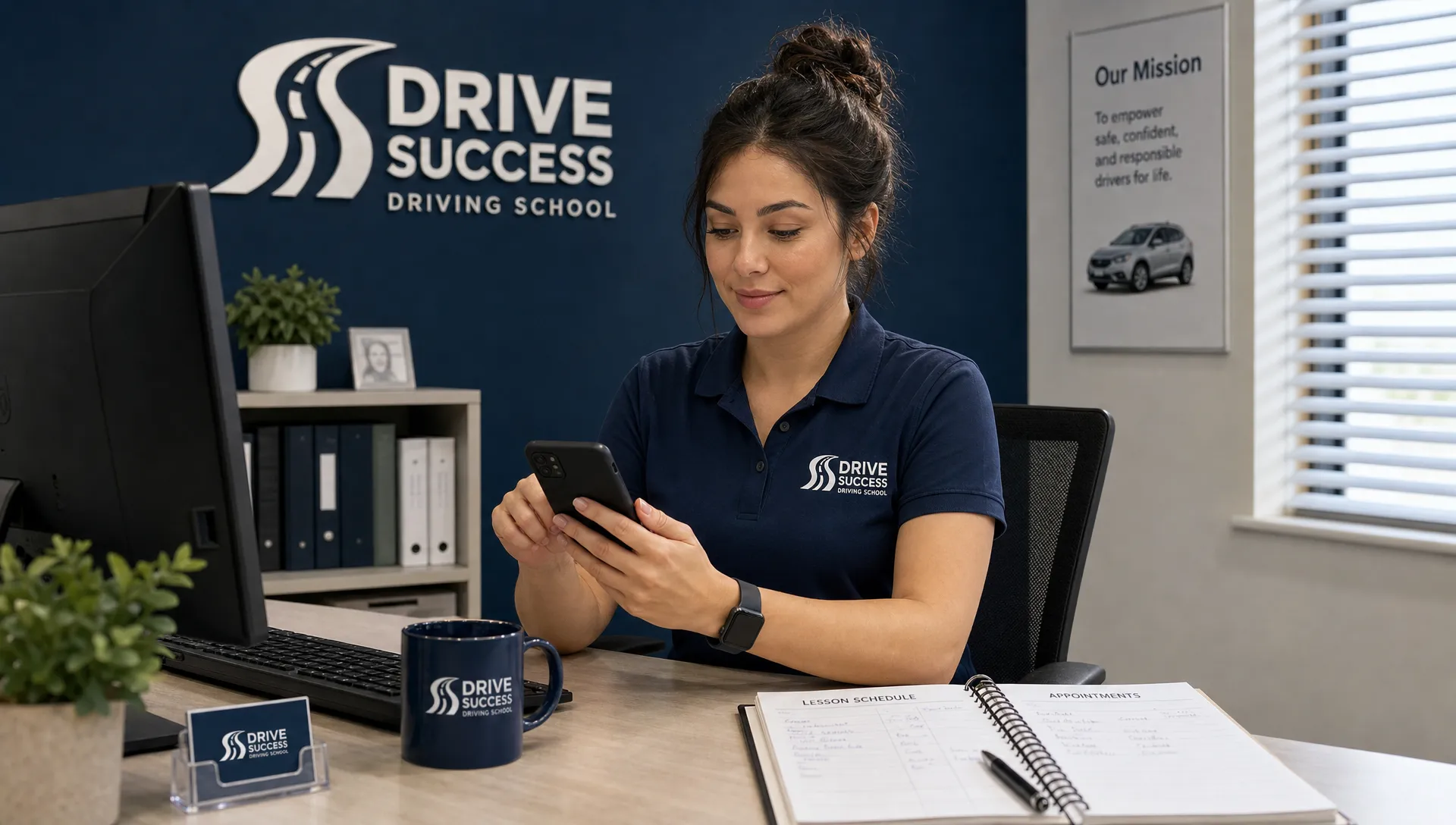
Messaging works best for questions that do not require an immediate conversation. A driving school prospect might ask whether weekend lessons are available. A cleaning customer might want to confirm that you serve their neighborhood.
An urgent plumbing problem is different. The customer usually needs someone to answer now, not an uncertain wait for a text reply.
| Contact method |
Best suited to |
Main operational requirement |
| Phone call |
Urgent requests, complicated questions and customers ready to book |
Someone answers or promptly returns missed calls |
| Text message |
Short questions and straightforward scheduling inquiries |
A monitored business number that supports texting |
| WhatsApp |
Customers who already prefer using WhatsApp |
An actively managed account with appropriate staff access |
| Website form or booking request |
Estimates and inquiries needing several details |
A mobile-friendly form and dependable follow-up |
You do not need every option. You need a small number of contact routes that work.
For example, a contractor who spends most of the day on job sites might offer calls for urgent requests and a short website form for estimates. A driving school with staffed office hours may be better positioned to handle messaging throughout the day.
Google Business Profile messaging should make that existing process easier, not create a separate system nobody has time to manage.
Set Up a Reply Process Before Turning It On
Confirm availability and test the customer experience
Open your profile's editing controls and check the contact options available to your business. If a supported Chat option appears, follow the prompts for the relevant text number or WhatsApp connection.
Use business contact details rather than an employee's personal account. Confirm that the people responsible for inquiries can access the destination inbox without sharing passwords unnecessarily.
Then test the public contact route. Send a message, check that it arrives and reply through the intended channel. Look at the experience from a customer's phone as well as your team's side.
Do not treat setup as complete until that test works.
Assign an owner and a realistic response target
Someone needs to own incoming inquiries during business hours, with a backup when that person is unavailable.
Choose a response target your team can maintain. That might be within 30 minutes during staffed hours, but this is an operating goal, not a Google ranking requirement. A realistic target beats an impressive promise you repeatedly miss.
Where your messaging service supports an automatic acknowledgment, state when customers can expect a reply. Give urgent customers a clear instruction to call rather than wait.
An automated acknowledgment is not the same as answering the customer's question. The inquiry still needs a human review and a next step.
Ask enough to move the inquiry forward
Keep the first exchange short. Ask what service the customer needs, where they need it and when they would like help.
For a driving school, the useful next question might concern lesson type and preferred availability. For an HVAC business, it might be whether the customer needs maintenance, a repair or an installation estimate.
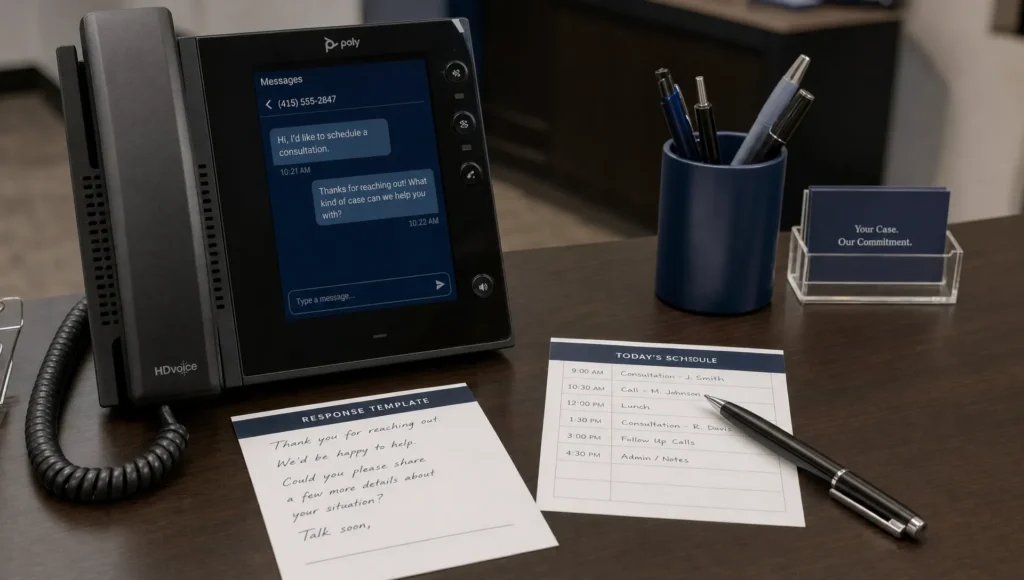
A simple reply could be: “Thanks for contacting us. What service do you need, and what ZIP code is the property in? We'll confirm whether we can help and the next available step.”
Google Business Profile messaging works better when each conversation leads toward an appointment, estimate or useful answer. Avoid collecting sensitive documents, payment details or information you do not need to qualify the inquiry.
Keep Your Website in the Booking Process
Messaging can start a conversation, but your website should still help the customer decide whether to hire you.
Someone asking about driving lessons may need to see lesson options, service areas and how booking works. A property manager requesting cleaning services may want evidence that you handle the type of property involved.
Send a relevant service-page link when it answers the question. Do not send everyone to a homepage and make them search again.
The same principle applies to businesses serving commercial clients. Clear positioning, service information, trust signals and manageable forms are among the website features that support B2B lead generation. They help a prospect take the next step without unnecessary friction.
Your mobile website should make calling or submitting a request easy. A long form, unclear service description or broken contact button can lose the lead after a perfectly good conversation.
Before adding Google Business Profile messaging, fix those basic conversion problems. Otherwise, you are adding another entrance to a booking process that still does not work.
Messaging Supports Conversions, Not a Ranking Shortcut
Messaging and local visibility solve different problems. Visibility gets your business in front of potential customers. A reliable contact process helps turn that attention into inquiries and bookings.
Google describes relevance, distance and prominence in its guidance on how local search rankings work. Simply adding a messaging option is not a documented shortcut to the top of Google Maps.
If your profile rarely appears for relevant searches, address that separately. Review your business information, service coverage, categories and website alignment. Sleek Web Designs' Google Business Profile optimization checklist for more calls covers that broader work.
If people already find you but few become customers, examine missed calls, unanswered inquiries and unclear booking instructions.
These are different bottlenecks. Knowing which one you have prevents you from investing in the wrong fix.
Use AI for Drafting, Not Unchecked Promises
AI can reduce repetitive work without taking control of customer commitments. Useful tasks include drafting replies to common questions, shortening wordy responses and sorting inquiries for human review.
Give the tool approved information about your services, coverage and policies. Review its output before sending it, especially when the message concerns pricing, availability or technical advice.
An AI draft should not invent an appointment slot or tell a customer that a repair will cost a specific amount. Those details need confirmation from your actual scheduling and quoting process.
For Google Business Profile messaging, a small library of reviewed responses may be enough. You do not need a complicated chatbot to answer whether you serve a neighborhood or how someone requests an estimate.
Keep unnecessary personal information out of AI tools. Use only what is needed for the task and follow your business's privacy practices.
Measure Booked Work, Not Just Message Volume
A busy inbox can still produce little revenue. Track whether messaging creates worthwhile inquiries and whether your team converts them into work.
A simple spreadsheet or lead log can record:
- Qualified inquiries: People requesting a service you offer in an area you serve.
- Response time: How long customers wait for a useful reply during staffed hours.
- Appointments or estimates: Conversations that reach a concrete next step.
- Booked work: Jobs or lessons actually scheduled from those inquiries.
- Staff effort: Time spent replying, including conversations that go nowhere.
Ask new customers how they found you and record the contact channel separately. “Found us on Google Maps” and “contacted us through WhatsApp” describe different parts of the same customer journey.
Use your messaging inbox and booking records to evaluate results. Do not assume your profile's performance reporting will show every stage of the conversation or the final sale.
After a defined trial period, compare bookings with the effort required. If useful inquiries are being missed, improve ownership and follow-up. If customers rarely use messaging, a simpler call-and-form setup may be enough.
Google Business Profile messaging earns its place when it produces a manageable path to new customers, not merely another activity to report.
Frequently Asked Questions
Is Google's original Business Profile messaging still available? No. Google discontinued the original built-in chat feature on July 31, 2024. Eligible profiles may offer text messaging or WhatsApp contact options, but those are different from the former Google inbox.
Why can't I find a messaging option on my profile? Availability varies by region and profile eligibility. Check the contact controls shown in your account. If no supported option appears, focus on an accurate phone number, website link and dependable website inquiry process.
Will enabling messaging improve my Google Maps rankings? Do not treat it as a ranking tactic. Its main purpose is to make contacting your business easier. Local visibility still requires relevant business information, a properly maintained profile and broader local SEO work.
Should a small service business use automated replies? A brief acknowledgment can set expectations if your messaging service supports it. It should explain when a person will respond and direct urgent requests to a phone call. It should not imply that an appointment or price has been confirmed.
Should messaging replace phone calls? Usually not. Messaging is useful for nonurgent questions, while calls often suit urgent or complicated requests. Offer the routes you can manage well rather than replacing a working channel just to add a newer one.
Start by checking your current contact routes. Can customers reach you, get a useful answer and book without unnecessary steps?
Sleek Web Designs helps service businesses improve website conversions, local SEO and lead generation, using practical AI-assisted analysis where it adds value. There are no long-term contracts.
Talk with Sleek Web Designs about your website and local lead process to identify whether visibility, contact options or follow-up needs attention first.