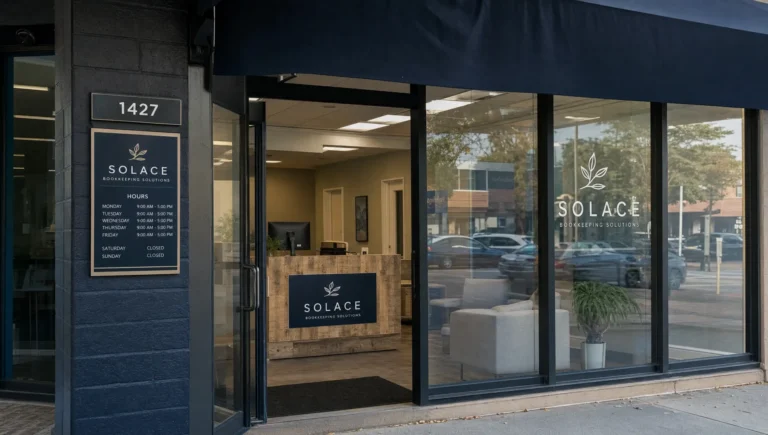
If your Google Business Profile is edited without your approval, first check what customers can actually see. A wrong phone number, incorrect website link or “permanently closed” label can interrupt new inquiries. Save evidence of the change, restore accurate information through your verified account and check whether the correction appears publicly.
An unexpected edit does not automatically mean your account was hacked. Google can update business information using multiple sources, and other people can suggest changes. The priority is to protect customer access, then identify why the information changed.
What to check when your Google Business Profile is edited
Find your business in both Google Search and Google Maps. Compare the public listing with the information shown when you are signed into the account that manages it. A proposed or pending change is different from an incorrect detail already visible to customers.
Start with the fields that directly affect calls, bookings and visits:
| Changed field | Potential business impact | First action |
|---|---|---|
| Phone number | Calls reach the wrong destination | Restore the correct number and test the public call button |
| Website link | Visitors reach an unrelated or broken page | Correct the URL and open it from the listing |
| Business status | Customers think you have closed | Correct an inaccurate closure status and check the public result |
| Address or map pin | Customers travel to the wrong location | Check the address, pin and eligibility to display the address |
| Business hours | Customers arrive when you are unavailable | Restore regular hours and review special hours |
| Name or primary category | Customers misunderstand your business | Use the real business name and an accurate category |
If the website link points to an impersonation site or you notice an unfamiliar account owner, also review account security immediately. Do not wait until you have finished checking less urgent fields.
Why business information changes without your approval
There are several possible sources of an unexpected change:
- An authorized user: A staff member, former employee or marketing provider with access may have edited the listing.
- A public suggestion: Someone may have submitted a correction through Google Maps or Search.
- A Google update: Google may update information based on reports and information it finds elsewhere.
- An account security problem: Someone may have gained access to an account that manages the profile.
Google explains its process in its guidance on managing Google updates to your Business Profile. Being verified does not prevent Google from updating your information.
Do not assume a competitor caused the change. You may not be able to identify the person or source responsible. A conflicting website footer, outdated directory listing or legitimate customer correction could also explain it.
Focus on establishing the correct information and fixing any inconsistencies you control. An accurate update, such as corrected holiday hours, may be worth keeping rather than reversing.
How to correct an unwanted edit
Use the existing profile whenever possible. Creating a replacement listing is not a reliable way to undo an incorrect edit and can introduce duplicate-profile problems.
1. Document the incorrect information
Take screenshots of the public listing and any update notice visible in your management view. Record the date, the affected field, the incorrect value and the correct value.
For an incorrect phone number or website link, record the destination currently displayed. Avoid entering personal information on an unfamiliar website while investigating it.
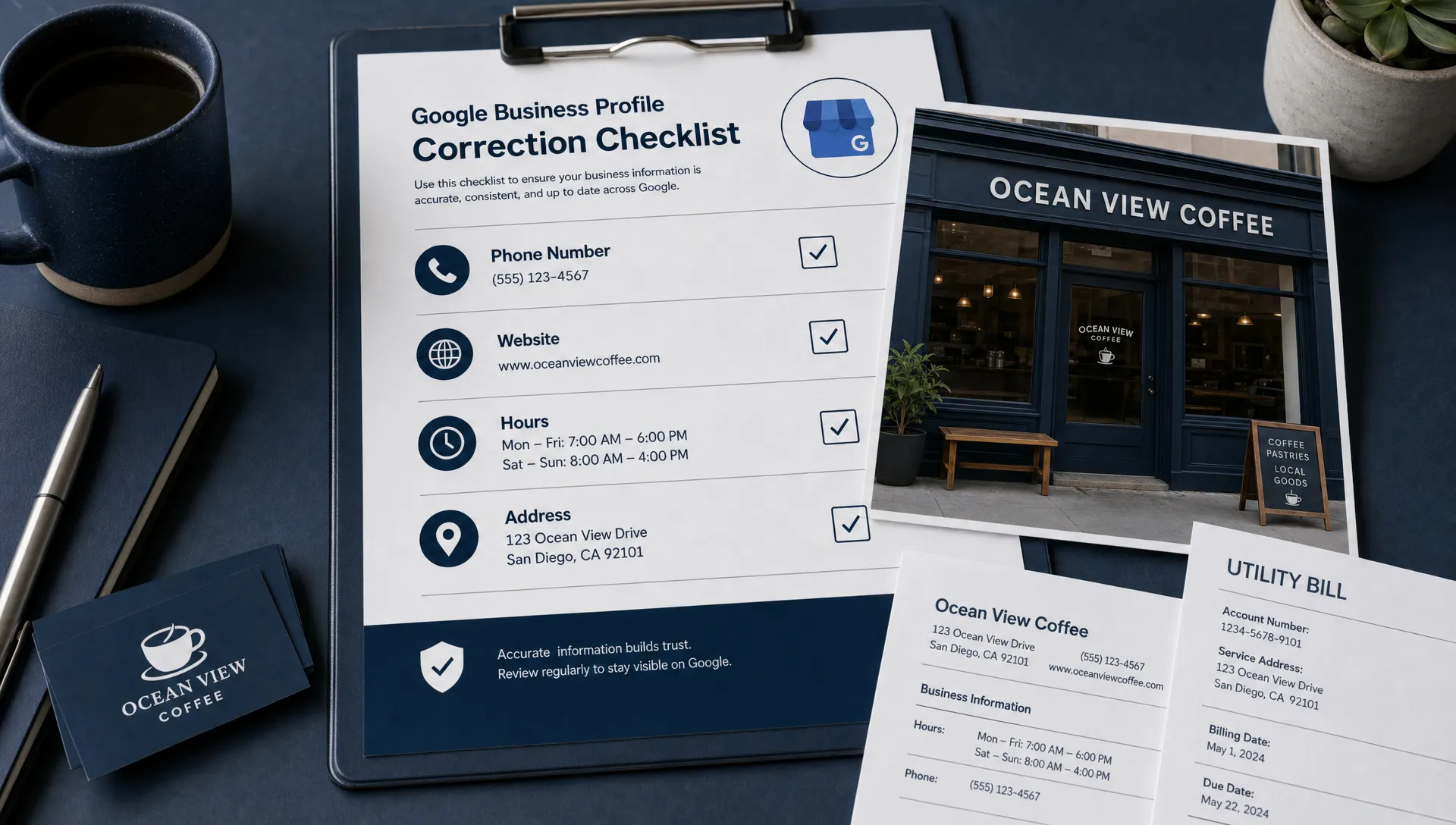
Keep supporting evidence ready. Depending on the field, useful evidence could include your website contact page, current storefront signage or business documents that support your name and address. Submit sensitive documents only through an appropriate official Google support or verification process.
This record becomes especially useful if the same error returns. It lets you explain the problem clearly instead of relying on memory.
2. Restore accurate, policy-compliant details
Sign into the Google account that manages the business. Search for your business name or “my business” in Google Search, select the correct profile and open Edit profile. You can also manage the listing through Google Maps. The layout and available controls can vary.
Review any Google update notices, keep accurate changes and correct inaccurate fields using the available editing controls. Save your changes.
Restore the correct information, not simply the previous information. If your business recently moved or changed its hours, the old details may no longer be appropriate.
Check Google's guidelines for representing your business before changing a name, address or category. Your business name should reflect the real-world business, not a string of services and neighborhood keywords.
For a service-area business that does not receive customers at its address, do not make a private address public just to match an older version of the listing. Follow the rules for displaying or hiding your address.
Some changes can trigger additional verification. If Google requests it, complete the relevant process rather than repeatedly changing the same field.
3. Check whether the correction is published
Saving an edit does not guarantee it will appear publicly immediately. Google may review the change, and the management view can show a different state from the public listing while processing continues.
Check the edit status in your account, then inspect the listing from a signed-out browser or another account. Confirm the actual customer action: place a test call, open the website link or check directions.
If the correction is pending, avoid repeatedly submitting the same change. If it is rejected, review the information and supporting evidence before trying again or seeking help.
Fixing a field also does not guarantee an immediate ranking increase. The immediate goal is to stop sending customers incorrect information.
4. Escalate unresolved or recurring errors
If you cannot correct the information, the same incorrect update repeatedly returns or you have lost access, use Google Business Profile Help. Available support options depend on the issue and account.
Give support a concise explanation: which profile is affected, which field is wrong, what the correct value should be and what happened when you attempted to fix it. Include your screenshots and relevant evidence when requested.
Keep your case reference and reply within the existing support conversation where possible. Opening multiple cases for the same problem can make the history harder to follow.
A suspended profile, lost ownership and an ordinary information edit are different problems. If Google shows a suspension or verification notice, follow the process for that status rather than treating it only as a field correction.
If the edits keep returning, check access and conflicting information
Repeated changes need more than another correction. Start by reviewing who can manage the profile. Open the profile menu and look for Business Profile settings, then People and access.
Confirm that every listed person still needs access. Remove former staff or providers when you have permission to do so. If responsibilities are unclear, our guide to Google Business Profile user roles and access explains how to share management without treating every user as an owner.
If you suspect unauthorized access, secure the relevant Google account, review its security activity and enable two-step verification. An unexplained edit alone is not proof of a compromised account, but an unfamiliar user deserves attention.
Next, compare your business details across your website, social profiles and major directory listings. Correct outdated hours, old phone numbers and previous addresses wherever you control them. Consistency gives customers clearer information, though it does not guarantee Google will stop making updates.
If you discover a separate listing for the same business, investigate it before changing or deleting anything. Our guide to removing duplicate Google Business Profiles covers that separate issue.
Build a simple monitoring routine
You do not need a complicated marketing system to catch damaging edits. Assign one person to maintain an approved record of your business name, phone number, website URL, hours, address rules and primary category.
A weekly check is a practical starting point, with extra checks after holidays, a move, staffing changes or a previous incorrect update. Prioritize the public phone button, website destination and business status before reviewing less urgent details.
Turn on relevant notifications where available, but do not rely on email alone. Messages can be missed, and a direct public check shows what customers can actually use.
AI can assist with this routine by comparing your approved information against details you provide from your website and listings. It can flag mismatches for review. Use AI to identify possible errors, not to decide your business facts or make unsupervised profile changes. Do not upload account credentials or sensitive verification documents to an untrusted tool.
Once the listing is accurate, use a broader Google Business Profile optimization checklist focused on more calls to review other opportunities. That work comes after restoring reliable customer access.
Check what happens after customers click
A correct website link is only useful if the destination helps people contact you. Open your site on a phone and confirm that the number is easy to tap, the booking or inquiry form works and the service area is clear.
Website performance work, such as the AI-assisted performance optimization offered by Space Dinosaurs, addresses a different part of the customer journey: what happens after someone reaches the site. It does not replace correcting inaccurate Maps information.
For a local service business, check both parts. The listing should direct customers to the right place, and the website should make the next step straightforward. Measure successful calls, inquiries and bookings rather than treating a corrected listing or a faster page as the final business outcome.
Frequently asked questions
Can someone edit my Google Business Profile without my permission? People can suggest changes, and Google can update business information using multiple sources. A public suggestion is not the same as someone having management access to your account.
Can I prevent every outside edit? No. Verification does not block all Google updates or public suggestions. You can reduce avoidable problems by keeping your information accurate, limiting account access and checking the public listing regularly.
How long will it take for my correction to appear? Timing varies by the field, review requirements and profile status. Check the edit status in your account and confirm the public result rather than assuming that saving a change means it is already live.
Will an incorrect edit hurt my local SEO? It can affect customer access and may affect relevance, depending on the field. A wrong phone number can cost you calls without changing your ranking at all. Not every edit creates a ranking penalty.
Should I create a new profile if the existing one keeps changing? Usually, no. Correct and troubleshoot the existing profile first. A replacement can create duplicates and make ownership, reviews and visibility harder to manage.
Get help protecting your local leads
If incorrect listing details keep returning or your website is not turning visitors into inquiries, Sleek Web Designs can help review your Google Business Profile, local visibility and website performance.
Our focus is practical: accurate business information, clear contact paths and improvements that support calls and bookings. We use AI-assisted analysis where it helps, with human review and no long-term contracts.
Contact Sleek Web Designs to discuss what is interrupting your leads and which fixes should come first.