Google Business Profile attributes help customers answer practical questions before they call: Can I book online? Is the entrance wheelchair accessible? Does this business offer onsite services? Those details can make it easier for someone to choose your business instead of moving to the next listing.
For a local service business, the goal is not to check every available box. It is to remove uncertainty with accurate information. Here is how to choose useful attributes, keep them consistent with your website and measure the actions that matter: qualified calls, inquiries and bookings.
What Google Business Profile Attributes Actually Tell Customers
Attributes describe specific features of your business, such as accessibility, service options, payment methods or ownership information. The available choices depend on your business category, location and Google's current options.
They are different from your categories and services. Your category identifies the type of business you operate. Your services explain the work you provide. Attributes add practical details about the customer experience.
For example, a plumbing business might list drain cleaning as a service and have an online estimate option available as an attribute. A driving school might offer an appointment-related attribute, depending on what Google makes available for its category.
If the available options seem unrelated to your business, review whether you have chosen the right Google Business Profile categories. Do not change categories just to unlock a particular attribute.
An attribute is a factual statement about your business, not a promotional keyword. Select it because it is true and useful to customers.
Which Attributes Help Customers Choose?
Start with the questions that come up before someone hires you. The most useful attributes address a real concern, not simply an empty field.
The examples below are not a universal checklist. Only use options that appear in your profile and accurately describe your business.
| Attribute area |
Examples that may be available |
Customer question it helps answer |
| Accessibility |
Wheelchair-accessible entrance, parking or restroom |
Can I access the location and facilities I need? |
| Service options |
Online estimates, onsite services |
Can this business help me in a convenient way? |
| Appointments |
Appointment requirements or recommendations |
Should I arrange a visit before showing up? |
| Payments |
Accepted payment methods |
Will I be able to pay using my preferred method? |
| Language assistance |
Languages supported by the business |
Can someone help me communicate clearly? |
| Ownership information |
Available owner-selected identity attributes |
Can I identify businesses I want to support? |
A contractor may get more value from clarifying service delivery than from an amenity that rarely affects hiring. A driving school with a public office may need accurate accessibility and appointment information. A nonprofit receiving visitors should check the details people need to plan a visit.
Ownership attributes are optional. Use them only when the owner chooses to self-identify and the information is accurate. They should never be inferred from a person's name, appearance or website photos.
Verify the Promise Behind Every Selection
An attribute should match what happens after a customer contacts you. A mismatch can create a wasted trip, an unsuitable inquiry or an avoidable complaint.
Check accessibility details individually
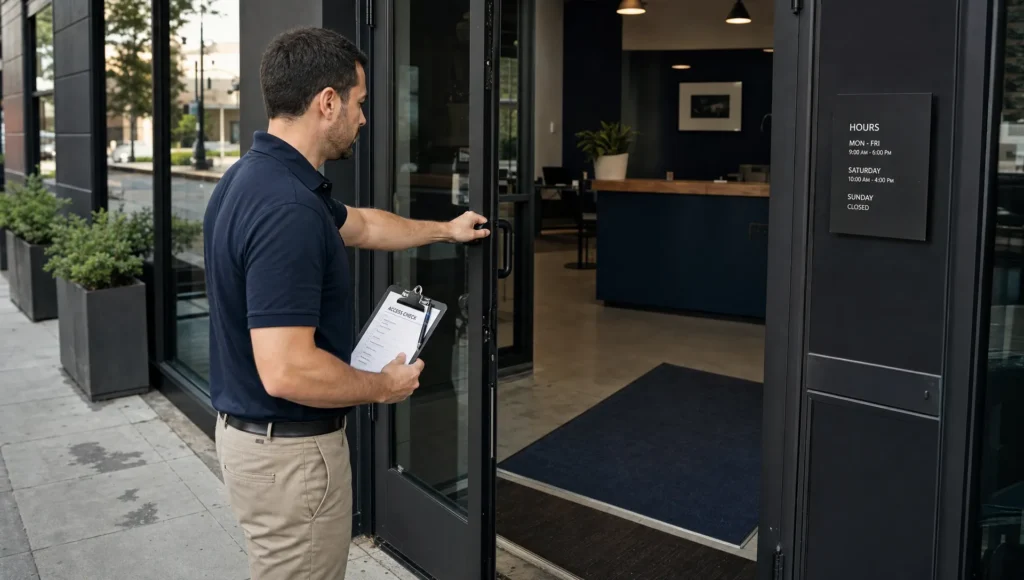
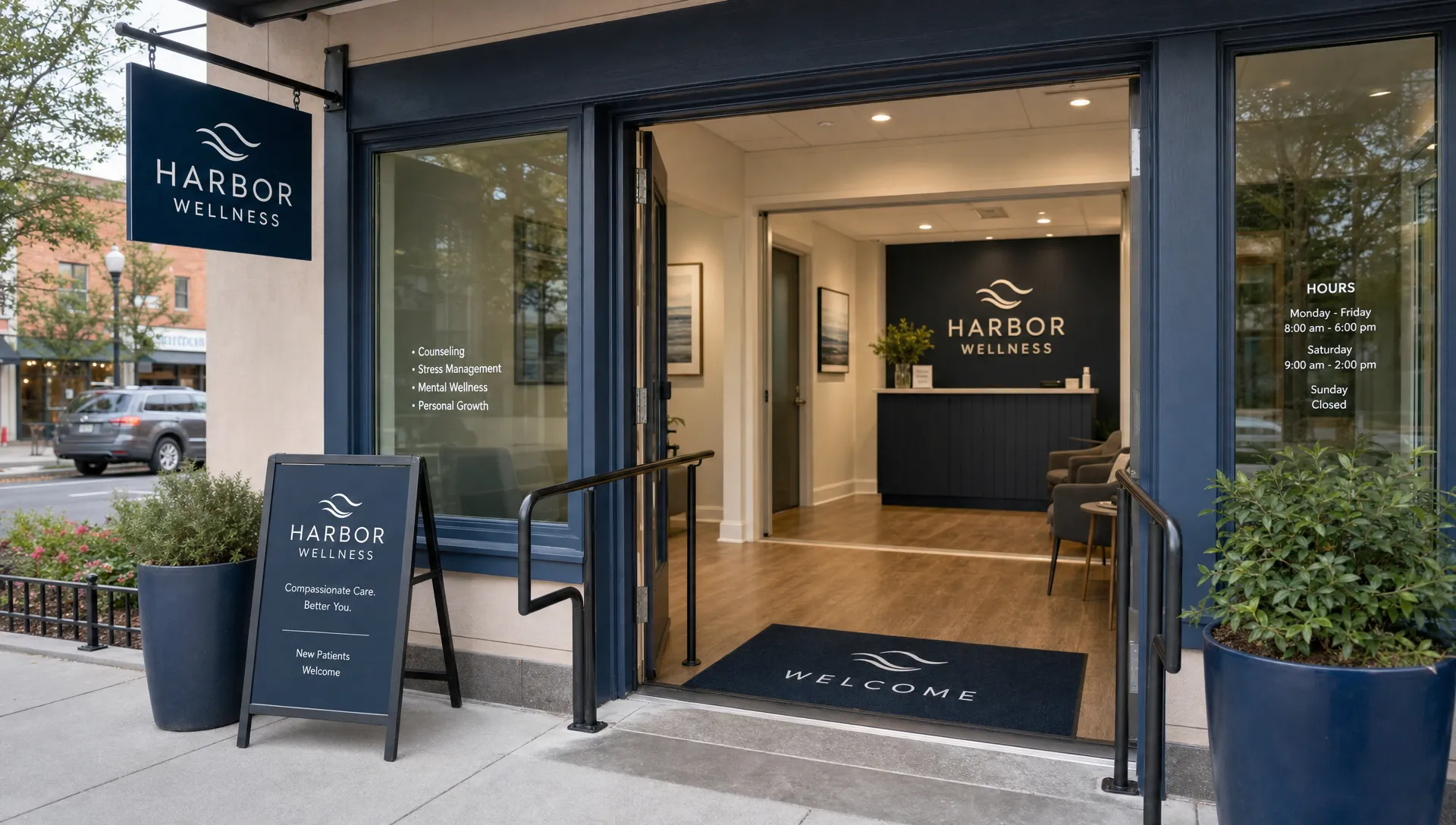
A wheelchair-accessible entrance does not automatically mean the restroom, parking area or interior is accessible. Verify each available feature separately. A ramp alone is not enough to establish that the entire customer route is usable.
Relevant photos can help visitors understand the approach to your business. Use clear Google Business Profile photos to show the actual entrance and customer-facing areas, without treating a photo as proof of accessibility compliance.
Distinguish an online request from an online service
A contact form does not necessarily mean you provide online estimates. If customers must schedule an onsite inspection before you can estimate a job, do not imply that the estimate happens online.
Likewise, an appointment-related attribute and a booking link serve different purposes. If customers can request an appointment online, explain whether the booking is confirmed immediately or requires a response from your team.
Match the actual service location
A business that visits customers should describe that service accurately. It should not imply that customers can visit an office that is not staffed or open to them.
Keep a residential address hidden when required for a service-area business. Do not publish it just to make location-related attributes appear.
How to Add or Update Your Attributes
Google's interface changes, but the basic process is straightforward:
- Sign in to the Google account that manages your verified Business Profile.
- Find your business through Google Search or Google Maps and open the profile management controls.
- Select Edit profile and look for the relevant business information sections. Attributes may appear under More or within individual groups.
- Review the available options and select only what you have verified.
- Save your changes, then check the public profile after Google processes them.
Google's guidance on managing business attributes explains that available attributes vary by business category and country. You cannot create a custom attribute by typing a phrase into your description.
Some information may also come from customer feedback or Google's other sources rather than an editable owner field. Do not assume every detail displayed on your listing has a switch you can control.
If an option is missing, confirm your category and consult Google's guidance. Avoid adding unrelated categories or stuffing the business description with attribute phrases as a workaround.
Do Attributes Improve Local SEO Rankings?
Google Business Profile attributes are useful for describing your business and helping customers assess whether it fits their needs. They should not be treated as a guaranteed ranking boost.
Google's explanation of local search rankings focuses on relevance, distance and prominence. It does not promise that selecting more attributes will move a business higher in Maps.
Their clearest business value is reducing friction. Someone who needs an accessible entrance or a particular payment method may be more comfortable contacting a business that clearly provides it. That is a reason to maintain accurate information, not a reason to select every option.
Attributes also work alongside the rest of your local presence. This guide to improving Google Business Profile visibility covers related work such as complete business information, reviews, photos and website readiness.
If those basics need attention, use our Google Business Profile optimization checklist to organize the work. Keep attributes as one focused part of that process.
Connect Profile Details to a Website That Generates Leads
A useful attribute can get someone interested. Your website still needs to help them take the next step.
If your profile says you offer online estimates, the linked page should explain how to request one and what happens next. If appointments are required, make the scheduling process easy to find. Keep relevant accessibility and language information consistent across both places.
On mobile, customers should not have to hunt for a phone number or complete an unnecessarily long form. Clear service information, a visible call button and a short inquiry process matter more than decorative effects.
AI can assist with a consistency check. Give it an owner-verified list of business facts and your website copy, then ask it to flag contradictions or missing explanations. Use AI to identify questions, not to decide what your business offers. A person should confirm every proposed profile change, especially accessibility and identity information.
Measure Inquiries, Not the Number of Completed Fields
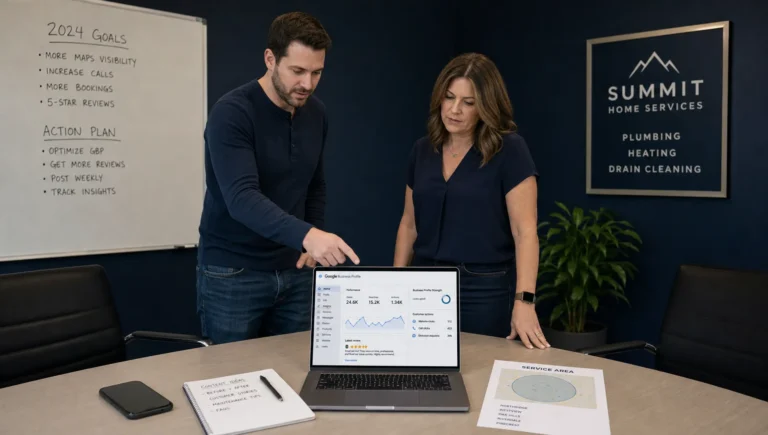
Record when you update your attributes. Then review available Business Profile performance data alongside actual inquiries over comparable periods.
Website clicks, call-button clicks and direction requests can provide context, where those metrics are available. A call-button click is not the same as a completed call, and neither automatically means a qualified lead.
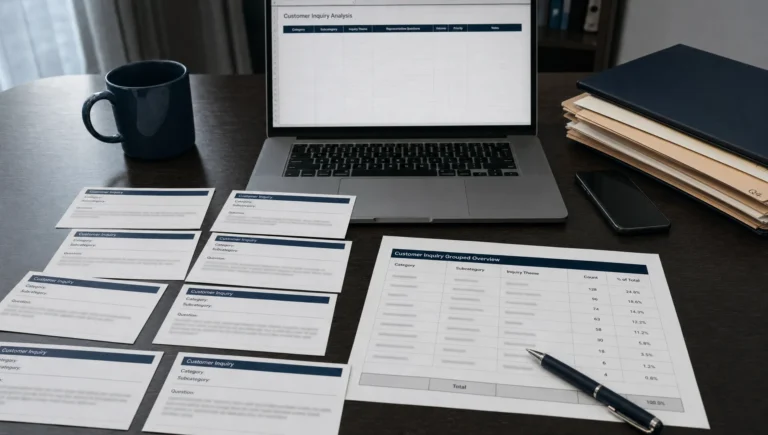
Ask your team to note whether customers still have questions about appointments, access, payments or service delivery. Fewer confused inquiries can be useful even when total contact volume stays similar.
Do not credit every change in leads to attributes. Advertising, seasonality, reviews and other profile edits can affect results. The practical test is whether customers arrive better informed and can move more easily from finding your business to booking it.
Recheck attributes when you change premises, payment methods, staffing or service delivery. Accurate information needs maintenance, not a long-term agency commitment.
Frequently Asked Questions
Why can't I see the same attributes as another business? Available options vary by category, country and Google's current offerings. A nearby business in a different category may have choices that are unavailable to you.
Can I add my own Google Business Profile attributes? No. You select from the options Google provides. Use the appropriate service fields and website pages to explain other relevant details without presenting them as official attributes.
Should I select every available attribute? No. Select only verified, applicable options. More completed fields are not worth misleading a customer about access, payments or how your services work.
Can I edit attributes based on customer opinions? Not always. Some displayed information comes from customer feedback rather than owner-managed factual fields. Review the available controls and Google's guidance before assuming you can change it directly.
Make Your Profile Easier to Choose
Start with the questions customers ask most often. Check whether your available attributes answer them, verify each selection and make sure your website supports the same promises.
If your listing gets attention but produces too few inquiries, Sleek Web Designs can help with Google Business Profile optimization, local SEO and conversion-focused website improvements. We use AI-assisted analysis to support practical decisions, with the focus on qualified leads, local visibility and customer growth. No long-term contracts.