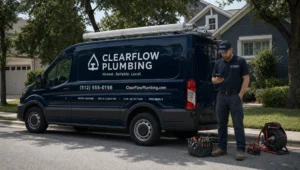

If your Google Maps listing gets views but not calls, you do not have a “traffic” problem. You have a Maps conversion problem (and sometimes a relevance problem).
Google Maps is one of the highest-intent places online. People search, compare 2 to 3 options, then tap Call. Your job is to make sure:
- Google understands exactly what you do and where you do it.
- Your listing looks like the safest, easiest choice.
- The tap-to-call path is clean (no confusion, no dead ends).
Below is a practical, no-ad plan to get more calls from Google Maps.
First, understand what actually drives calls from Maps
There are two separate wins you need:
1) Rank (get into the Map Pack)
Google generally describes local rankings using relevance, distance, and prominence. Distance is mostly out of your control, but relevance and prominence are not.
Google’s own guidance is worth reading because it is short and straight: Improve your local ranking on Google.
2) Convert (turn views into calls)
Once you show up, people judge you fast. They look at:
- Category match (are you actually what they searched?)
- Reviews (rating, recency, and how you respond)
- Photos (does this look legit?)
- Business info (hours, service area, phone)
- “Next step” buttons (Call, Directions, Website, Appointment)
If your listing is missing basics, you can rank and still lose calls.
Step 1: Fix the Google Business Profile basics that control relevance
Relevance is Google deciding, “This business matches this search.” You improve relevance by making your profile specific and consistent.
Choose the right primary category (and stop guessing)
Your primary category is one of the biggest levers you have. Many businesses pick something vague (like “Contractor”) when a tighter category exists (like “Roofing contractor” or “Plumber”).
A simple test:
- Search your main service in your town.
- Open the top listings.
- Note what their primary category is.
If the top results all share a category and you do not, you are probably miscategorized.
Add services that match what people actually ask for
Fill out your services list with real wording customers use. Not every service needs a separate page, but your core money-makers should be reflected in:
- Google Business Profile services
- Your website service pages
- Your reviews (naturally, over time)
Consistency across those three areas makes Google more confident.
Lock down your hours, attributes, and “you do this here” details
Incorrect hours or missing info costs calls. People do not “research more”, they just call the next listing.
Make sure:
- Hours are accurate (including holidays)
- Service area is correct if you travel to customers
- Attributes are selected when relevant (for example, “wheelchair accessible” or “appointment required”)
Step 2: Make the listing call-first (not just “complete”)
A complete profile is not the goal. More calls is the goal.
Use a local phone number, and make sure it is the first number
Local numbers tend to build trust. Also, do not route calls to a generic national line if you are trying to win local.
If you use call tracking, do it carefully:
- Use a tracking number as the primary number only if you understand the NAP consistency risk (Name, Address, Phone).
- Safer option for many businesses: keep your main number as primary and add the tracking number as an additional number.
(If you are not sure, do not guess here. Bad phone consistency can create listing conflicts and confusion.)
Add an appointment link if your business books scheduled work
If you want calls, you still want a backup path for people who cannot call right now.
Use:
- Appointment link (if you schedule)
- A website page that is clearly built to generate calls (not a generic homepage)
A good benchmark is a service business site that makes booking and service selection obvious. For example, a local skincare studio homepage like Lumina Skin Sanctuary shows how clear service framing and a straight booking path reduce hesitation.
Turn on messaging only if you will respond fast
Messaging can help, but slow replies can backfire (people move on). If you enable it, commit to fast response times during business hours.
Use photos that answer the buyer’s real question: “Are you legit?”
Most businesses upload random images and stop. That does not build confidence.
What usually helps calls:
- A clean logo (as a profile element, not as your only “photo”)
- Exterior or storefront (if customers visit)
- Team or owner (real people, not stock)
- Work examples (before and after when appropriate)
- Equipment and process (shows capability)
Add new photos regularly. “Freshness” matters because it signals the business is active.
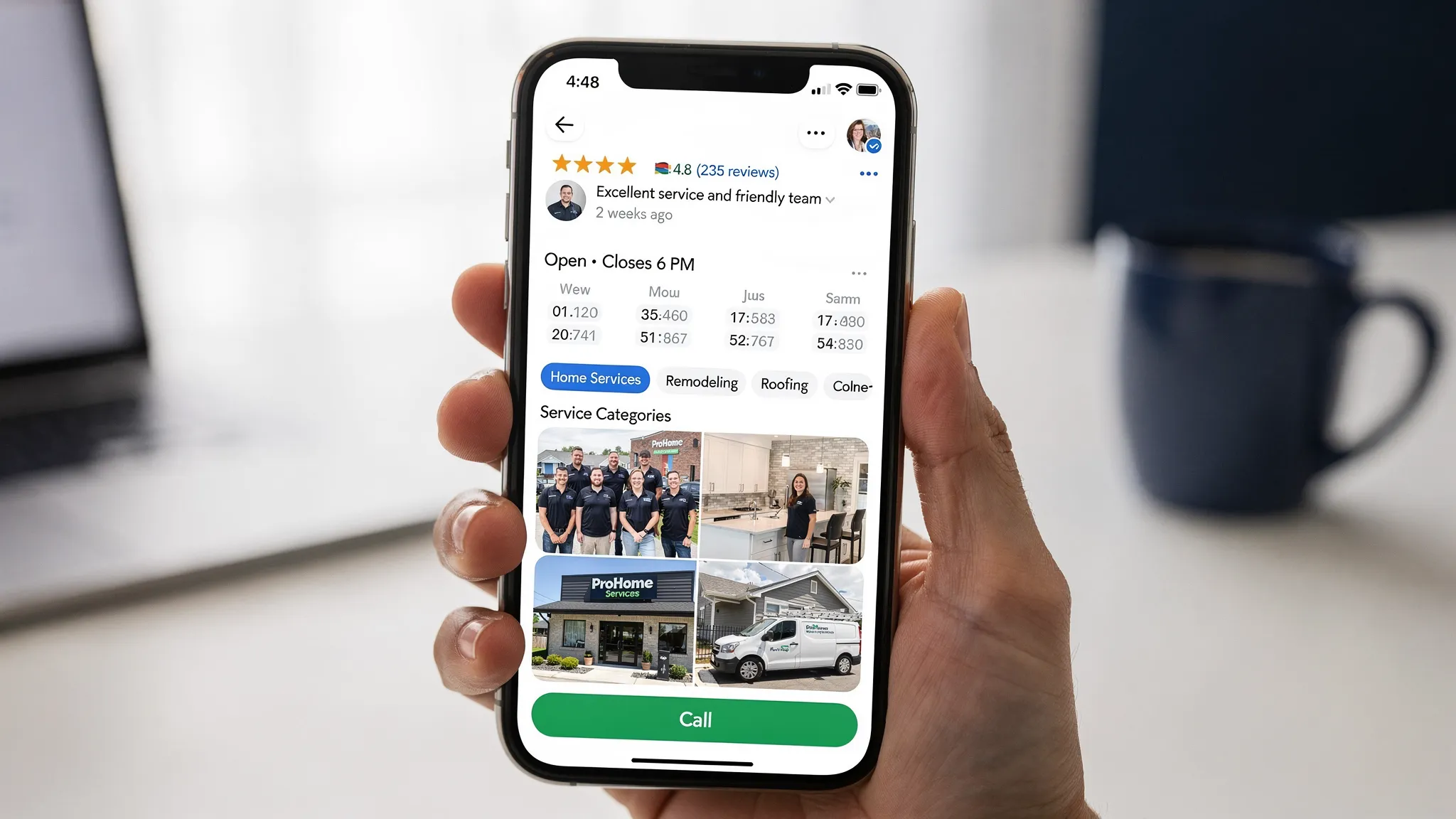
Step 3: Reviews are your biggest non-ad call generator (when done right)
Reviews do two jobs at once:
- They improve prominence (you look established).
- They increase conversions (people trust you and call).
Focus on review quality and recency, not just the number
A business with 40 reviews, including several from the last 30 days, often wins calls over a business with 200 reviews from two years ago.
Practical target:
- Build a steady trickle, not a one-time push.
- Ask after the job is done and the customer is happiest.
Make it easy to leave a review in under 60 seconds
Most customers will not “figure it out.” You need a simple system.
- Use your direct review link.
- Text it and email it.
- Train your staff to ask at the right time.
Respond to reviews like a real business owner
Your responses are not just for the reviewer. They are for the next customer reading your profile.
Good response habits:
- Thank them.
- Mention the service (naturally).
- Mention the area (naturally).
- Invite them back.
Example tone: “Thanks for the kind words, we are glad we could handle your AC repair in Flatbush quickly. Call us anytime if it acts up again.”
Where AI helps (without the hype)
AI is useful here for speed and consistency, not magic.
You can use AI to:
- Draft 5 to 10 variations of review request texts (so you do not sound automated)
- Create review response templates by scenario (5-star, neutral, negative)
- Pull common phrases from your best reviews and suggest wording for your service descriptions
You still approve everything. You are using AI like an assistant, not letting it run your reputation.
Step 4: Strengthen “prominence” with citations and local proof
Prominence is “how known and trusted you look” online.
Clean up your business info across directories
If your name, address, or phone differs across listings, you create uncertainty for Google and for customers.
Fix the top places first:
- Google Business Profile
- Your website contact page
- Apple Maps, Bing Places
- Major data aggregators and core directories in your industry
Get a few real local links (not spam)
You do not need 500 backlinks. You need a handful that make sense.
Examples that are usually safe and effective:
- Local chamber or business association listing
- Local sponsorships (youth sports, events)
- Vendor and partner pages (if you are a certified installer or preferred provider)
Step 5: Your website still matters, even for “Maps-only” calls
Google Maps often sends calls directly, but your website is still part of the trust and relevance picture.
If someone taps Website, your site needs to support the call decision, fast.
Send Maps traffic to the most relevant page, not always the homepage
If your Google listing is about “Plumbing”, link to your plumbing service page.
That page should have:
- A clear headline (service + location)
- Click-to-call button on mobile
- Proof (reviews, photos, licenses where applicable)
- A short, simple “how it works” section
- A contact option that does not feel like homework
Mobile speed and clarity directly affect call volume
A slow, cluttered mobile page bleeds leads. People bounce back to Maps and call the next business.
If you want more calls, prioritize:
- Fast load time
- Simple navigation
- One primary call to action (Call or Request Quote)
Step 6: Track what is happening so you stop guessing
Most business owners think they have a “ranking problem” because calls are down. Sometimes calls are down because:
- You are getting views from the wrong searches (bad relevance)
- Your competitors have newer reviews and better photos (conversion)
- Your call path is broken (wrong phone, unanswered calls, confusing site)
What to check weekly inside your Google Business Profile
Look at:
- Calls
- Website clicks
- Direction requests
- Search terms (what people typed)
If you see a lot of impressions but low actions, your profile is being seen but not chosen.
Use UTMs on your website link
UTM tracking helps you separate:
- Google Maps traffic
- Google Search organic traffic
This is one of the easiest ways to see whether your listing improvements are actually sending better traffic to your site.
A simple plan you can follow (fast fixes vs real momentum)
Here is a practical way to prioritize without getting overwhelmed.
| Timeframe | What you do | What it improves | What you should see |
|---|---|---|---|
| 30 minutes | Check categories, hours, phone, services, and add a strong description | Relevance and conversion | Fewer missed opportunities from basic errors |
| 7 days | Add 15 to 30 real photos, publish 2 posts, seed Q&A with common questions | Conversion and trust | Higher call rate from profile views |
| 30 days | Build a steady review system, clean citations, improve the page your profile links to | Prominence and consistency | More Map Pack visibility and more calls |
| 60 to 90 days | Add location-focused service content and earn a few local links | Prominence and authority | More stable rankings, less up-and-down |
Common reasons you are not getting calls (even if you rank)
You look like “everyone else”
If your photos are generic, your description is vague, and you have no recent reviews, you are giving people no reason to choose you.
Your business name is stuffed with keywords
This is risky. It can lead to edits, suspensions, or competitors reporting you. Use your real-world business name.
Your profile links to a weak page
If your homepage does not make it obvious what to do next, people back out.
You are getting the wrong searches
If your category is too broad, you can show up for low-intent or mismatched searches. That equals views with no calls.
Frequently Asked Questions
Can I get more calls from Google Maps if I do not have a storefront address? Yes. Service-area businesses can still generate calls by setting the correct service area, choosing the right categories, and building reviews and local proof.
How many reviews do I need to start seeing more calls? There is no magic number, but most businesses see improvement when reviews are consistent and recent. A steady flow usually beats a one-time spike.
Should I turn on messaging in my Google Business Profile? Only if you can respond quickly during business hours. If replies are slow, it can reduce trust and waste leads.
Does my website matter if people can call прямо from Maps? Yes. Many customers still tap through to your site to confirm pricing, services, areas served, and legitimacy. A slow or unclear site loses calls.
How long does it take to see results without ads? Basic fixes can improve conversions within days. Ranking improvements from prominence (reviews, citations, links) usually take weeks to a few months.
Want more Google Maps calls without paying for every lead?
If you want, Sleek Web Designs can run a straightforward Google Maps and website audit to show you exactly why your listing is not converting, and what to fix first.
We focus on lead generation, not “pretty design.” That usually means tightening your Google Business Profile, improving your local visibility, and making your website a clean call-generating system.
No long-term contracts. Just clear work that drives more calls.
Visit Sleek Web Designs to request a local SEO and Google Maps review.