

Most small business websites don’t have a “design problem.” They have a speed and usability problem that quietly kills leads.
If your site loads slow, shifts around on mobile, or feels laggy when someone taps a button, people bounce. And when people bounce, Google sees it too.
That’s where Core Web Vitals come in. They are a set of real user experience metrics Google uses to evaluate how your site performs for actual visitors, especially on mobile. The good news is you do not need a full rebuild to improve them. Most of the biggest wins are simple fixes.
What Core Web Vitals are (in plain English)
Core Web Vitals measure whether your site feels fast and stable to a real person.
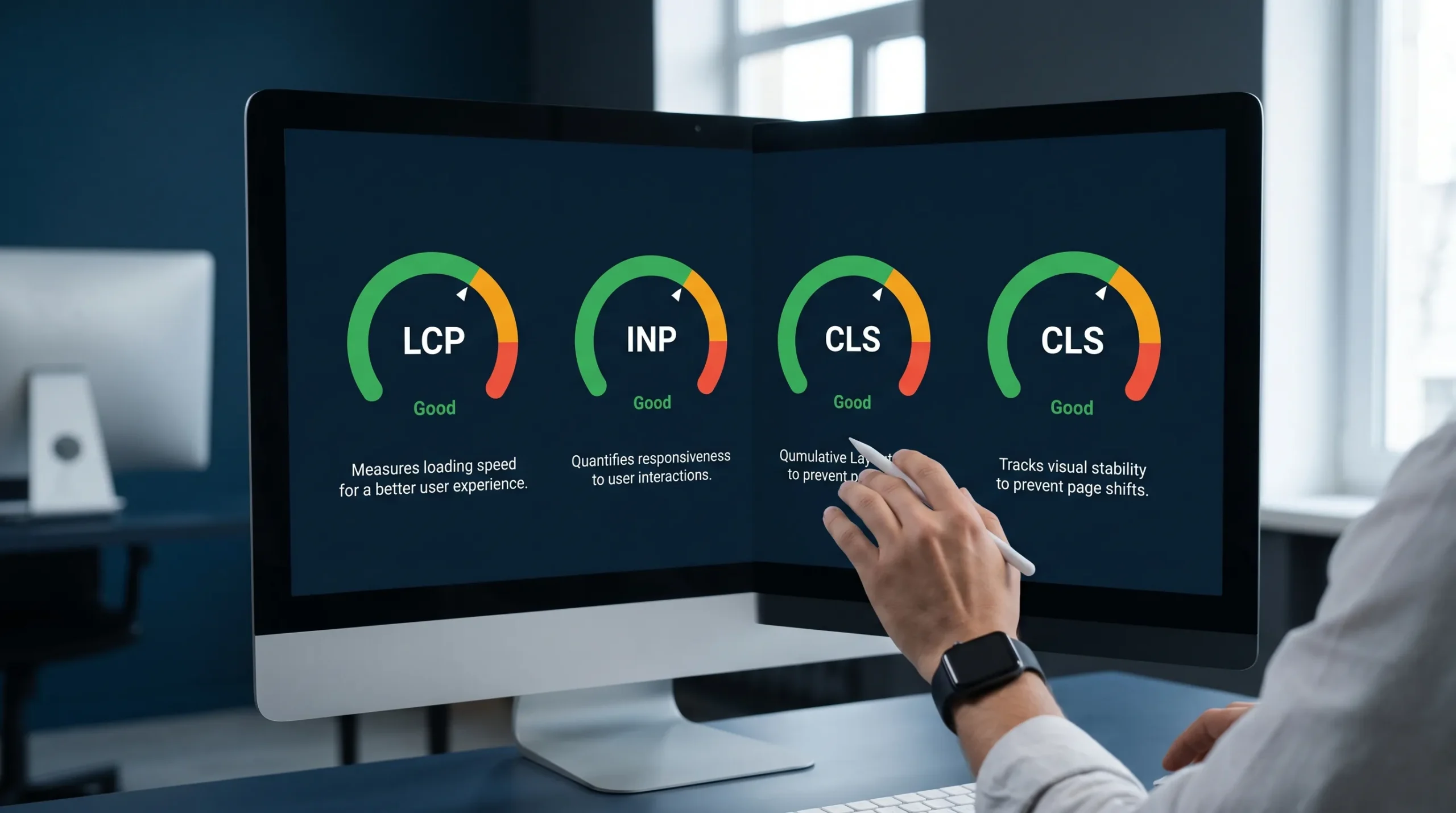
Google’s current Core Web Vitals are:
- LCP (Largest Contentful Paint): How fast the main content appears.
- INP (Interaction to Next Paint): How responsive the page feels when someone taps, clicks, or types.
- CLS (Cumulative Layout Shift): How much the layout jumps around while loading.
If you want the official definitions and thresholds straight from Google, start at web.dev’s Core Web Vitals guide.
The thresholds you should aim for
These are the widely accepted “good” targets:
| Metric | What it affects | Good target | What visitors feel when it’s bad |
|---|---|---|---|
| LCP | First impression, perceived speed | ≤ 2.5s | “This site is slow” |
| INP | Taps/clicks, forms, menus | ≤ 200ms | “This site is glitchy” |
| CLS | Stability while loading | ≤ 0.1 | “I clicked the wrong thing” |
Small business takeaway: you’re not chasing a perfect 100 score, you’re aiming for “Good” on the pages that make you money.
Why Core Web Vitals matter for small business leads (not just SEO)
Core Web Vitals are not vanity metrics. They connect directly to business outcomes:
- More calls and form submissions: Faster pages reduce drop-off, especially on phones.
- Better local visibility: A stronger website experience supports your overall local SEO (it is not the only factor, but it helps).
- More trust: A stable, fast site feels legitimate. A jumpy, slow site feels risky.
For local service businesses, most traffic is high-intent and mobile. People are searching “near me,” comparing quickly, then calling. You do not get many second chances.
How to check your Core Web Vitals in 15 minutes
You only need two tools to get started:
1) PageSpeed Insights (quick page-by-page check)
Run your homepage and top service page through Google PageSpeed Insights. Look at:
- Field data (real users), this matters most
- The Core Web Vitals assessment (Pass/Fail)
2) Google Search Console (site-wide patterns)
If your site is connected, use the Core Web Vitals report inside Google Search Console. This shows which templates are failing (often one issue affects many URLs).
Field data vs lab data (quick clarification)
- Field data = real visitors over time, this is what you should optimize for.
- Lab data = a test run, great for debugging changes.
If your lab score is “bad” but your field data passes, do not panic. If your field data fails, it is worth fixing.
Core Web Vitals for Small Business: simple wins that move the needle
Below are the fixes we see make the biggest impact, without turning this into a 3-month development project.
Simple wins for LCP (make the main content load faster)
For most small business sites, LCP problems come from one of these:
- A huge hero image (often uncompressed)
- Slow hosting or no caching
- Too many scripts and heavy themes
Here are the high-ROI fixes:
1) Fix your hero image first
Your homepage hero is usually the LCP element.
Do this:
- Convert hero images to WebP (or AVIF if supported in your setup)
- Resize images to the actual display size (do not upload a 4000px photo for a 1200px section)
- Avoid hero sliders, they almost always hurt performance and conversions
If your business depends on photos (contractors, cleaners, driving schools, real estate), you can still have great visuals. You just need them optimized.
2) Turn on caching (or fix it if it’s misconfigured)
Caching is one of the fastest LCP improvements on WordPress.
A good caching setup typically improves:
- Time to first byte
- Repeat visits
- Mobile performance
If you already installed a caching plugin years ago and never touched it again, it might be doing very little, or conflicting with other plugins.
3) Remove “dead weight” above the fold
If your header loads 6 fonts, 3 animations, a pop-up, and a chat widget before the visitor even reads the headline, your LCP will suffer.
A simple rule: your first screen should load fast and focus on the next step, usually call or quote.
Simple wins for INP (make your site feel responsive)
INP measures how quickly the page reacts after a user interacts.
On small business sites, INP issues often come from:
- Too many third-party scripts (tracking, widgets, chat)
- Heavy page builders and animations
- Overcomplicated mobile menus
1) Audit third-party scripts, then cut what you do not need
Most sites are running extras that do not generate leads.
Common culprits:
- Multiple analytics tags doing the same job
- Heatmaps you never check
- Chat widgets that slow the site but do not get used
Keep what drives business. Remove what does not.
2) Delay non-essential scripts until after the page is usable
This is a simple technical change that can make a big difference, especially on mobile.
If a tool is not required for the first interaction (like reading your service and tapping “Call”), it should not block the page.
3) Simplify forms
Forms can feel slow when they include too many fields, fancy effects, or heavy validation.
A lead-first form is usually:
- Name
- Phone
- Email (optional in some industries)
- Short message
More fields can reduce spam, but they often reduce real leads too. There is a balance.
Simple wins for CLS (stop the page from jumping around)
CLS is the “I tried to tap but the button moved” problem.
It usually comes from:
- Images without set dimensions
- Cookie banners or promo bars that push content down
- Web fonts that swap late
1) Set width/height on images and embedded elements
When the browser knows the image size, it reserves the space and prevents layout shifts.
This is especially important for:
- Logo images in the header
- Above-the-fold photos
- Embedded maps
2) Be careful with sticky banners and pop-ups
If you use a cookie banner, promo bar, or “Call now” sticky element, it needs to load in a way that does not shove the page down mid-scroll.
3) Clean up font loading
Custom fonts can cause visible shifts.
Simple fix: configure font loading so text appears immediately, then swaps cleanly, or choose a more stable font setup.
A quick “money page” priority plan (what to fix first)
Not every page matters equally. For most local businesses, these pages drive the majority of calls and form submissions:
- Homepage
- Primary service pages (one per core service)
- Contact page
- Location or service-area landing pages (if you use them)
Here’s a simple, realistic priority plan:
| Priority | Page type | What to focus on | Why it matters |
|---|---|---|---|
| 1 | Homepage | LCP + mobile usability | First impression, highest traffic |
| 2 | Top service page | INP + CLS | Converts high-intent visitors |
| 3 | Contact page | INP | Forms, tap-to-call, map embed |
| 4 | Secondary pages | LCP | Supports SEO and internal linking |
If you want a real-world example of an image-heavy business site that benefits from fast loading and stable layouts, look at a supplier site like shipping containers for sale and notice how quickly visitors need to see inventory, pricing, and contact options without friction.
Where AI actually helps (without the hype)
AI will not magically fix Core Web Vitals by itself. But it can speed up the boring parts:
- Summarizing PageSpeed Insights audits into a simple to-do list
- Finding patterns across multiple pages (same issue repeated)
- Prioritizing fixes based on impact (LCP element, render-blocking assets, unused JS)
The smart way to use AI is as a triage assistant, then you implement the changes correctly.
Common Core Web Vitals mistakes we see on small business websites
Chasing scores instead of leads
A 98 score that hides your phone number and confuses visitors is not a win.
Core Web Vitals should support the real goal:
- Get found locally
- Get the click
- Get the call or form submission
Installing more plugins to fix a plugin problem
On WordPress, performance issues often come from “plugin pile-up.” Adding another plugin can make it worse.
Ignoring mobile
Most local traffic is mobile. If your mobile Core Web Vitals fail, that is the version of your website that is losing leads.
Frequently Asked Questions
Do Core Web Vitals directly affect Google rankings? Yes, they are part of Google’s page experience signals, but they are not the only factor. Relevance and quality still matter most.
What’s the difference between LCP and overall load time? LCP is about when the main content becomes visible. A page can keep loading background items, but if the main content shows fast, it feels quick.
My PageSpeed score is low. Should I rebuild my website? Not automatically. Many sites improve Core Web Vitals with targeted fixes like image optimization, caching, script cleanup, and layout stability.
What’s a “good enough” Core Web Vitals result for a small business? Aim to pass Core Web Vitals (Good thresholds) on your homepage and top service pages, based on field data when available.
Can WordPress sites pass Core Web Vitals? Yes. WordPress can perform very well when the theme is lightweight, plugins are controlled, images are optimized, and caching is properly configured.
Want faster pages and more leads, without a long-term contract?
If you want, we can run a conversion-focused Core Web Vitals audit and tell you exactly what’s slowing your site down, what to fix first, and what will actually impact calls and form submissions.
Sleek Web Designs focuses on turning websites into lead-generating systems through speed, structure, and local visibility (no vanity metrics, no long-term contracts).
Get started at Sleek Web Designs or review our approach to performance and search visibility on our technical SEO services.