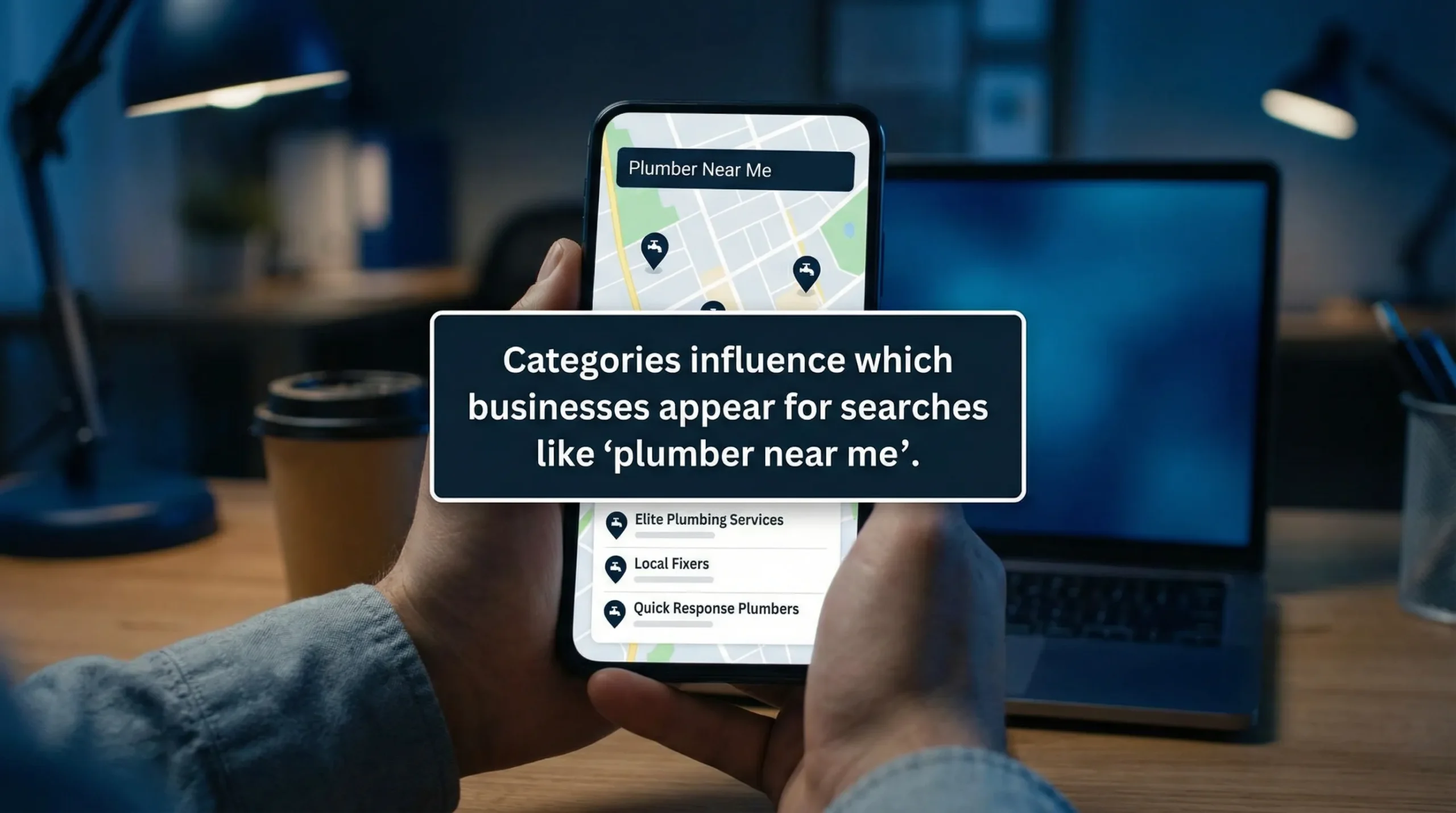

If your Google Business Profile is showing up for the wrong searches (or not showing up at all), your categories are often the reason.
Google uses your Google Business Profile categories to understand what you do, when to show you in the Map Pack, and which searches you are “relevant” for. Get them right and you can win more calls without increasing ad spend. Get them wrong and you can end up buried under competitors, even if your reviews and website are stronger.
Why categories matter more than most businesses realize
Your category selection influences three things that directly impact leads:
- Map visibility (ranking relevance): Categories help Google decide if your business matches a search like “emergency plumber near me” or “driving school Brooklyn.”
- Which features you unlock: Certain categories enable specific profile features (for example, booking, menus, service options, or industry-specific attributes).
- What Google thinks you should be compared against: Categories shape your “competitive set,” meaning who you’re fighting in Maps.
In other words, categories are not a formality. They are a positioning decision.
The basics: primary vs additional categories
Google lets you choose:
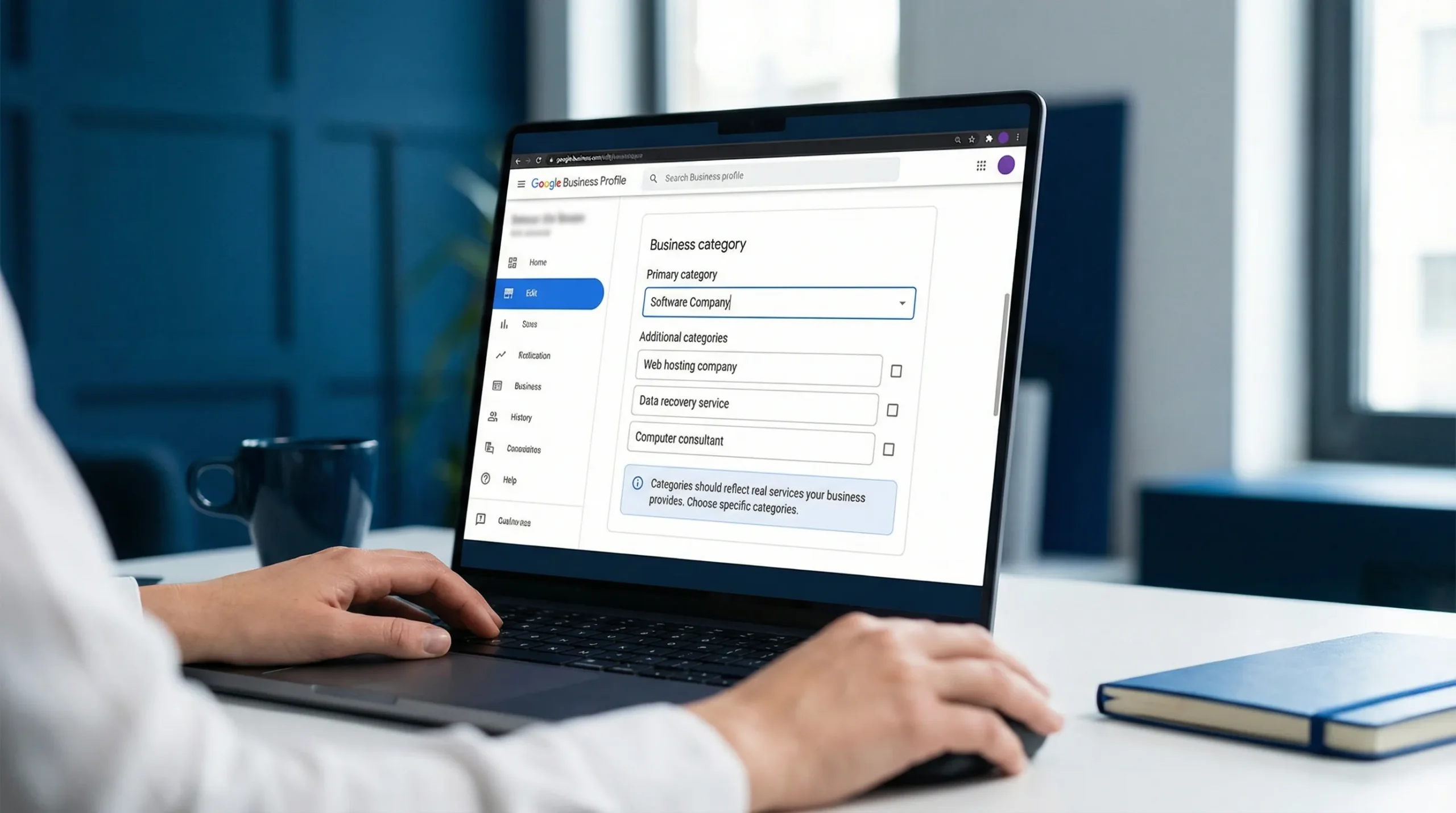
- 1 primary category: This is your main identity. If you only fix one thing on your profile, fix this.
- Additional categories (up to 9): These support your primary category and help you show up for related searches.
A common mistake is treating additional categories like “extra keywords.” They are not. They should represent real services you offer, staffed and available during normal business operations.
How to choose the right primary category (the money-maker)
Your primary category should match the service that best describes:
- What you want to be hired for
- What you do most often
- What has the highest value per lead
- What you can deliver consistently
A simple rule that works
Pick the category that matches what your best customers actually type into Google. Not your legal business name, not your broad industry, and not your “future expansion plan.”
Examples (service businesses)
- If you’re an HVAC company that mainly does repairs and installs: “HVAC contractor” is usually a better primary category than “air conditioning repair service,” unless repair is truly the core.
- If you’re a cleaning business focused on homes: “House cleaning service” beats “Cleaning service” in most cases because it’s more specific.
- If you’re a driving school: “Driving school” should almost always be primary. Do not use something vague like “Education center.”
Specific usually wins, as long as it’s accurate.
How to choose additional categories without weakening your profile
Additional categories are where most businesses either:
- Leave money on the table, or
- Overdo it and confuse Google.
The goal is coverage, not clutter.
Use this filtering test
Add an additional category only if you can answer “yes” to all three:
- We actively sell this service today (not “sometimes,” not “we could”).
- It’s a meaningful part of our business (not a one-off).
- A customer would search for it separately (it’s not just a feature of another service).
Examples that make sense
A plumber might use:
- Primary: “Plumber”
- Additional: “Drain cleaning service,” “Water heater installation service,” “Emergency plumber” (if available as a category in your area)
A contractor might use:
- Primary: “General contractor”
- Additional: “Kitchen remodeler,” “Bathroom remodeler,” “Roofing contractor” (only if you actually do roofing)
A driving school might use:
- Primary: “Driving school”
- Additional: “Driving test center” (only if you legitimately provide testing), “Motorcycle driving school” (only if offered)
A practical way to find the best categories (without guessing)
You do not need to brainstorm categories in a vacuum. You can reverse-engineer what works locally.
Step 1: Search the exact terms that bring you leads
Open an incognito window and search:
- “your service + your city”
- “your service near me”
- “best + your service + neighborhood”
Focus on the businesses showing in the top 3 Map Pack results.
Step 2: Identify competitor categories
Most businesses don’t know this, but competitor categories are visible with common local SEO tools and browser extensions.
You’re looking for patterns:
- Which primary category is showing up repeatedly?
- Which additional categories are common among top performers?
If the top 5 profiles all share a primary category you are not using, that is a strong signal you may be miscategorized.
Step 3: Validate with your real services, not wishful thinking
Competitors might add categories they shouldn’t. Do not copy blindly.
Use competitor research to create a shortlist, then choose only categories that match what you truly offer.
Step 4: Check your own website alignment
Google cross-checks your profile against your website.
If your profile says “Water heater installation service” but your website barely mentions water heaters, you’ve created a mismatch. That mismatch can limit rankings.
This is one reason category selection is not just a Google Business Profile task, it is a website + local SEO task.
If you want a structured way to audit that alignment, Sleek Web Designs also has a practical resource on how a full local audit is done: Complete Local SEO Audit Guide.
Category selection framework (fast and decision-focused)
Use this table to choose categories based on lead generation, not aesthetics.
| Situation | What to do | Why it works |
|---|---|---|
| You offer multiple services, but one clearly drives most revenue | Make the revenue driver your primary category, add 2 to 5 tightly related additional categories | Keeps Google’s understanding clear while expanding visibility |
| You want to rank for a specific high-intent service (like “water heater installation”) | Add it only if it’s a real, marketed service with a dedicated section/page on your site | Improves relevance and reduces profile-to-website mismatch |
| Your category is too broad (example: “Contractor”) | Switch to the most specific valid category (example: “General contractor” or “Roofing contractor”) | Specific categories often match search intent better |
| You are ranking for the wrong searches | Remove off-topic additional categories and tighten the set | Stops Google from testing you for irrelevant queries |
Common mistakes that cost you calls
Choosing a “nice sounding” category instead of the correct one
Some categories feel more premium (for example, “Consultant” or “Professional services”), but premium does not equal searchable.
Pick what people search, not what looks impressive.
Trying to cover everything with 9 additional categories
More categories do not automatically mean more rankings. Too many categories can dilute relevance, especially if they are loosely connected.
A tight set of categories that matches your services will usually outperform a bloated list.
Picking categories that are not actually true
This is a big one. If you add categories you do not provide, you risk:
- Getting reported by competitors
- Confusing customers (and losing trust)
- Lower conversion rates from mismatched leads
Not matching your categories to your service area reality
If you’re a local service provider, categories should reflect services you can deliver consistently across your service area. If you only do certain jobs in certain neighborhoods, that should be handled by service pages and clear messaging, not category stuffing.
How categories connect to rankings (what to do after you choose them)
Categories are one lever. They work best when the rest of the profile supports them.
Strengthen category signals with three supporting moves
1) Build out your services list inside GBP
Your services section should reflect your categories and your real offerings. Keep it plain and customer-focused.
2) Add photos that match the work
This is not about pretty branding shots. It’s about proof.
If your category is “HVAC contractor,” show HVAC work: installs, equipment, trucks, crews on site (without over-editing).
3) Align your website pages to the same services
If you want to rank for “Drain cleaning service,” your website should clearly talk about drain cleaning. Ideally, it has:
- A dedicated section or page
- Clear service area references
- A simple call to action (call, request quote)
This is where “web design” becomes lead generation, not design for design’s sake.
When (and how) to change categories safely
Sometimes you need to change categories. The key is to do it like a business decision, not a weekly experiment.
Good reasons to change categories
- You accidentally chose a broad or incorrect primary category
- The business shifted (new core service, new focus)
- Competitor research shows you’re competing in the wrong category group
How to change without making a mess
- Change one thing at a time (especially the primary category)
- Give it time to stabilize before making another change
- Track outcomes that matter: calls, direction requests, website clicks, booked jobs
If you change three categories, rewrite your services, and edit your business description all in the same day, you won’t know what helped or hurt.
Using AI the right way: faster category decisions, not hype
AI is useful here, but not because it “ranks your business.” It helps you move faster and make cleaner decisions.
Here are practical ways small business owners use AI without getting lost:
- Summarize competitor category patterns: Paste your notes from top competitors and ask for the common threads.
- Spot service-page gaps: If you add a category and your website does not support it, AI can quickly flag what content is missing.
- Turn real services into clear wording: Not fluffy copy, just straightforward service explanations that match what customers search.
At Sleek Web Designs, this is exactly the kind of AI-assisted analysis we use: fast diagnostics, grounded in what your local market is doing, then we tighten the website and profile so they produce leads.
A quick example across industries (so you can see the logic)
This applies well beyond home services.
If you run a specialized recruitment firm, you would not choose a generic category like “Business services” if your real work is executive search. You would align categories, services, and website content around the actual buyer intent.
For example, a firm like Optima Search Europe positions around high-level recruitment in specific sectors, which is a good reminder that clarity beats “we do everything” marketing, in categories and everywhere else.
If you want more leads, your categories should match your offer, your site, and your market
Choosing the right Google Business Profile categories is one of the highest-leverage local SEO moves because it affects whether you show up for high-intent searches in the first place.
If you’re not getting enough calls, the fix is often simple:
- Correct your primary category
- Tighten your additional categories
- Align your website to support what you’re telling Google
If you want help tightening your profile and turning your website into a lead-generating system, Sleek Web Designs focuses on website optimization, local SEO, and AI-assisted analysis for service businesses, with no long-term contracts. The goal is straightforward: more visibility, more calls, and more booked work.