
If you want more calls from Google, your website matters, but your Google Business Profile (formerly Google My Business) often decides whether someone calls you or calls the next company.
The goal of Google Business Profile optimization is simple: show up in Maps for the right searches, look trustworthy in 5 seconds, and make it easy to tap “Call.”
Below is a practical checklist you can run in about 60 to 90 minutes, then maintain weekly in 10 minutes.
Before you start: what actually moves the needle in Maps
Google has said local rankings come down to relevance, distance, and prominence. Your profile can influence the first and third heavily (and you cannot control distance). Here’s the official overview from Google: How to improve your local ranking on Google.
For “more calls,” you are optimizing for:
- Relevance: matching what you do to what people search
- Trust: reviews, photos, accurate info
- Friction: one-tap calling, fast answers, clear service area
Google Business Profile Optimization Checklist (for more calls)
1) Lock down ownership and fix duplicates
If you do nothing else, do this.
Check:
- You are the primary owner of the profile (not an old employee or vendor)
- There is only one profile per location
- Your name, address, and phone are correct
Why it matters: duplicates and wrong ownership cause suspensions, lost edits, and ranking volatility. Also, if the phone number is wrong, every other improvement is pointless.
2) Use the right primary category (this is a ranking lever)
Your primary category is one of the strongest relevance signals in your profile.
Action:
- Choose the category that best matches the service you want calls for most (example: “Driving school,” “Plumber,” “HVAC contractor”)
- Add a few secondary categories that are truly accurate (do not “collect categories”)
Tip: if you are unsure, look at the top 3 competitors in the map pack and see what primary category they use.
3) Add services (not just categories)
Categories tell Google what you are, services tell Google what you do.
Action:
- Fill out your Services list
- Use plain language that matches how customers search (example: “Brake replacement,” “AC repair,” “Road test package,” “Deep cleaning”)
- If a service is high margin, high demand, or urgent, make sure it is included
4) Make your business name compliant (and consistent)
Your business name should match your real-world branding.
Do:
- Use your real name (the one on signage, website, invoices)
Avoid:
- Stuffing keywords like “Best Plumber Brooklyn 24/7” into the name
Why it matters: keyword-stuffed names can get edited by users or competitors, or trigger reinstatement issues. Consistency also helps across listings.
5) Get the phone number setup right (so “more calls” is measurable)
Calls are the outcome, so treat the phone field like a conversion asset.
Action:
- Use a local number you actually answer
- Make sure it matches your website’s header and contact page
- If you use call tracking, do it carefully (so you do not break NAP consistency)
Practical tracking approach (simple):
- Use your main business number as the primary number everywhere
- Use tracking numbers on the website (with proper setup), not across citations
If you want call tracking inside Google Ads later, set that up separately.
6) Hours, holiday hours, and “open now” accuracy
A huge percentage of “I need help now” searches happen when people are about to call.
Action:
- Set regular hours
- Add holiday hours in advance
- If you have after-hours emergency service, reflect that accurately (do not claim 24/7 if you do not answer)
7) Write a description that sells the call, not the company history
Your description is not about your origin story. It is about what you do, where you do it, and what a customer should do next.
Include:
- Your core service
- Your service area
- One or two trust points (years in business, licensing, guarantees if true)
- A simple next step (“Call to schedule,” “Call for a quote”)
Keep it readable. No hype.
8) Add real photos that answer “what am I getting?”
Photos are trust, and trust turns into calls.
Priorities:
- Logo and cover photo
- Exterior (so customers recognize the location)
- Team at work (real, not stock)
- Before/after (for contractors, cleaning, detailing)
- Completed jobs
- For driving schools: car(s), classroom, instructors, safety signage
Aim for clarity over beauty. People want proof.
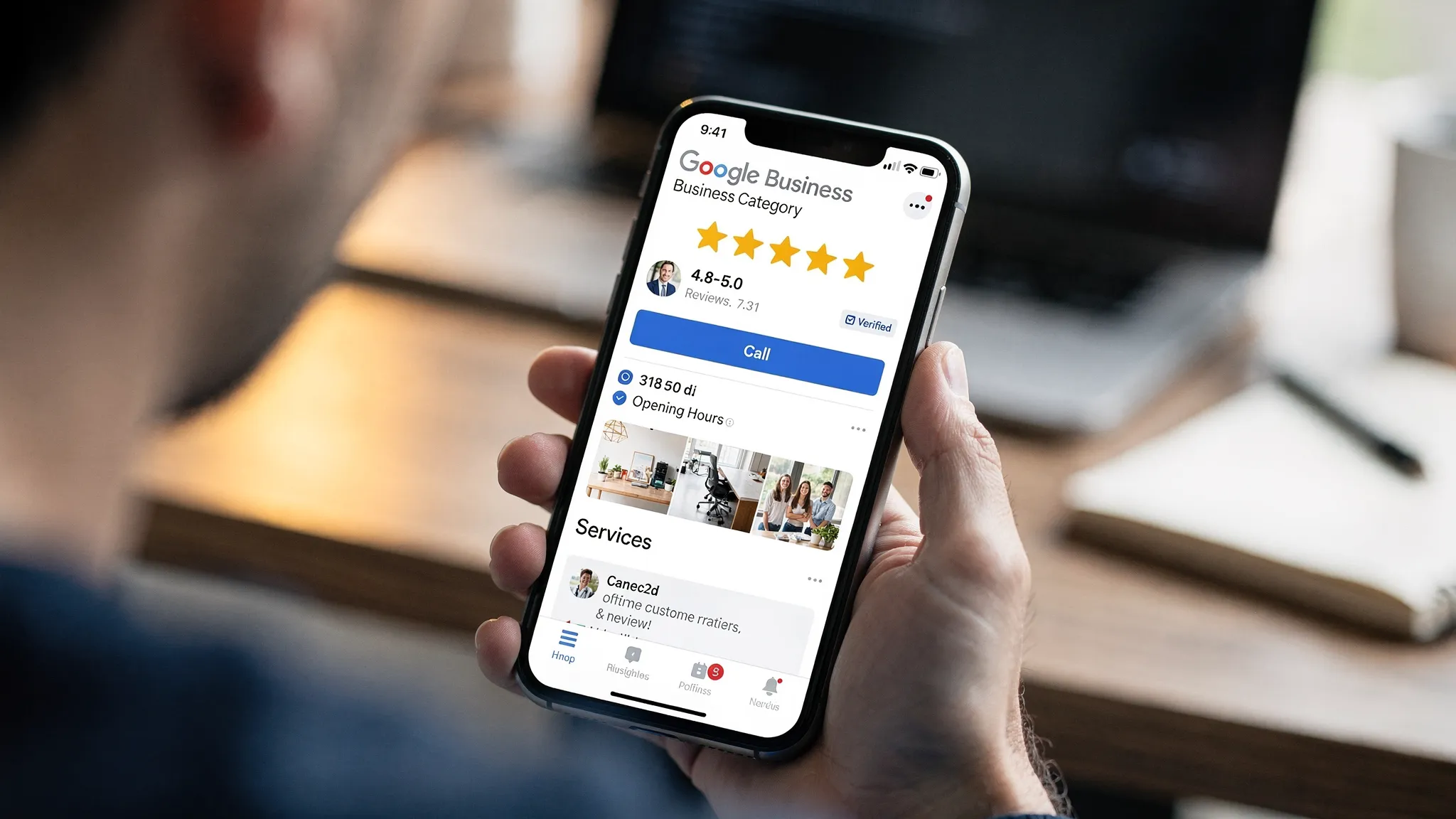
9) Products and offers (even if you are not “retail”)
Service businesses can still use product-style entries to highlight packages.
Examples:
- “Furnace tune-up package”
- “Move-out cleaning”
- “Beginner driving lessons bundle”
Keep titles simple, add a short description, and link to the most relevant page on your website.
10) Turn on messaging only if you can respond fast
Messaging can generate leads, but slow replies can waste them.
Rule:
- If you cannot respond within business hours quickly, skip it for now
If you do enable it:
- Add an auto-reply that sets expectations
- Assign someone to monitor it
11) Q&A: seed it with the questions that block calls
Many profiles have a Q&A section that sits empty, or worse, gets answered by random users.
Action:
- Ask and answer your top 5 sales questions yourself (from your own Google account)
Good Q&A topics:
- Pricing structure (“Do you offer free estimates?”)
- Service area (“Do you serve Queens?”)
- Availability (“Same-day appointments?”)
- Proof (“Licensed and insured?”)
- Process (“How do I book?”)
12) Reviews: build a system, not a “please leave us one” habit
Reviews are one of the strongest trust signals for calls.
Checklist:
- Ask every happy customer
- Use a short link or QR code
- Respond to every review (yes, even the positive ones)
- Use calm, professional language on negative reviews
What to say in responses (simple formula):
- Thank them
- Mention the service type (lightly)
- Invite them to call if they need anything else
Do not offer money or gifts for reviews. That violates Google policy.
13) Posts: use them like mini landing pages
Posts are not “social media.” They are quick conversion prompts.
Use posts for:
- Seasonal services (“AC tune-ups this month”)
- Limited-time scheduling (“Open appointments this week”)
- Proof (“New project completed in…”)
Keep each post focused on one action: call, book, or request a quote.
14) Link to the right page on your website (not always the homepage)
If someone clicks through, make it easy to become a lead.
Best practice:
- Link to a page that matches the main service (example: /driving-lessons, /water-heater-repair)
- Make sure the page has a clear phone number and a fast contact form
If your website needs custom functionality, like a booking flow that your staff actually likes using, it can be worth talking to a specialized development shop such as Wolf-Tech custom software solutions to build something clean and reliable. (Only do this if it supports lead flow, not for “cool tech.”)
15) Service area setup (for service businesses)
If you travel to customers, configure this correctly.
Action:
- Add your service areas (cities, neighborhoods, boroughs)
- Do not add areas you cannot realistically serve
This helps relevance and reduces wasted calls.
16) Add attributes that reduce hesitation
Attributes vary by category, but some reduce friction.
Examples:
- “Online estimates”
- “On-site services”
- Accessibility attributes
Only choose what is true.
17) Track what matters: calls, direction requests, and real leads
Inside the profile, you can see performance trends. On your site, you should see what those clicks do.
Basic measurement setup:
- Use UTM tags on your website link from the profile (so Google Analytics can attribute traffic)
- Track form submissions and phone clicks on mobile
This is where practical AI helps: you can use AI-assisted analysis to scan your profile for missing fields, inconsistent service wording, and weak review response patterns, then prioritize the fixes that affect conversions.
A simple priority plan (if you only have 30 minutes)
Do these first for the fastest “more calls” impact:
| Task | Why it impacts calls | Effort | Priority |
|---|---|---|---|
| Correct phone number, hours, website link | Removes friction | Low | Highest |
| Primary category and services list | Improves relevance | Low to Medium | Highest |
| Add 10 to 20 real photos | Builds trust fast | Medium | High |
| Review request system + reply to reviews | Increases trust and click-through | Medium | High |
| Q&A with top objections | Removes doubt before they call | Low | High |
Common Google Business Profile mistakes that cost you calls
Using the profile as a brochure
A profile that “looks filled out” can still fail if it does not push a customer to act.
Fix: every section should answer a buying question, then point to “Call” or “Book.”
Sending clicks to a slow or confusing website
If your page takes too long to load or hides the phone number, you will feel it.
Fix: speed, clear headline, clear service area, one main call to action.
Ignoring reviews until something goes wrong
By the time you are trying to “fix reputation,” you are already losing leads.
Fix: make reviews part of your weekly routine.
Setting and forgetting
Competitors who post, upload photos, and respond to reviews tend to look more active, which helps conversions.
Fix: 10 minutes a week.
Frequently Asked Questions
How long does Google Business Profile optimization take to work? Small improvements (hours, categories, photos, review replies) can improve calls within days. Ranking lifts usually take a few weeks as Google reprocesses signals and users engage.
What is the difference between Google Business Profile and Google My Business optimization? They are the same thing. Google rebranded Google My Business as Google Business Profile, but the optimization fundamentals are unchanged.
How many categories should I add to my profile? Use one primary category that best matches your main service, then add a few accurate secondary categories. More is not better if they are not truly relevant.
Should I use a call tracking number on my Google Business Profile? Only if it is set up correctly and you understand the tradeoff. In most cases, keep your main number consistent across the web and track calls through your website and ad platforms.
Do Google posts help rankings or just conversions? Posts are mainly a conversion tool (they can influence engagement). They are worth doing when they support a clear call to action.
What should I do if my profile is suspended? Do not keep making random edits. Review Google’s suspension guidance, fix inconsistencies (name, address, category), gather proof (signage, documents), then request reinstatement.
Want more calls without guessing what to fix?
If your profile is “claimed” but not producing steady leads, the problem is usually a handful of missed details that block relevance or trust.
Sleek Web Designs helps service businesses turn their Google Business Profile and website into a lead-generating system, with clear priorities and no long-term contracts.
Get started here: Sleek Web Designs (ask for a Google Business Profile audit and a quick plan to increase calls).